
App Store Screenshot Generator
for iPhone & iPad
Turn raw iPhone and iPad screenshots into store-ready App Store assets with AI — in under 2 minutes. Correct 2026 dimensions, iPhone 17 Pro, iPhone Duo & iPad Pro 13" frames, and AI-written titles. Apple guidelines compliant.
No credit card required3 free screenshotsNo watermarks
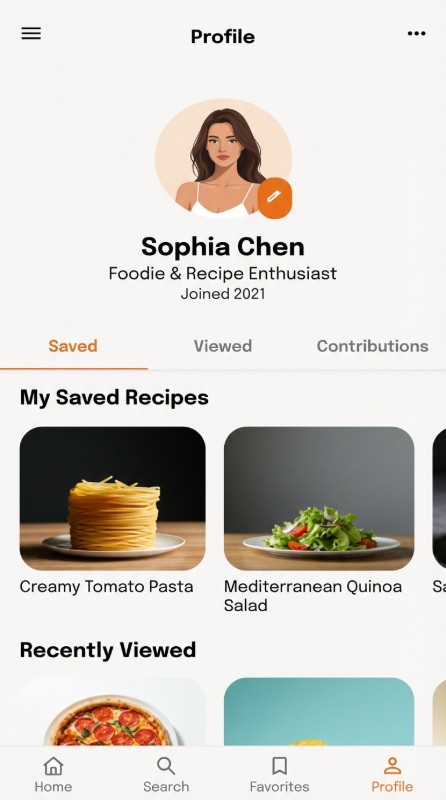
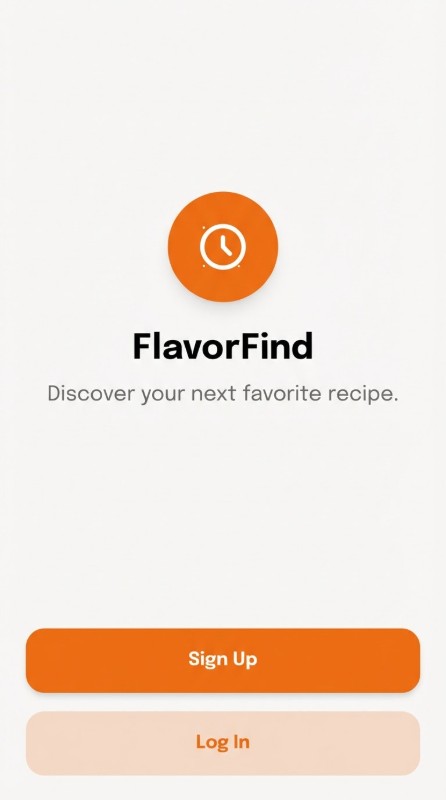
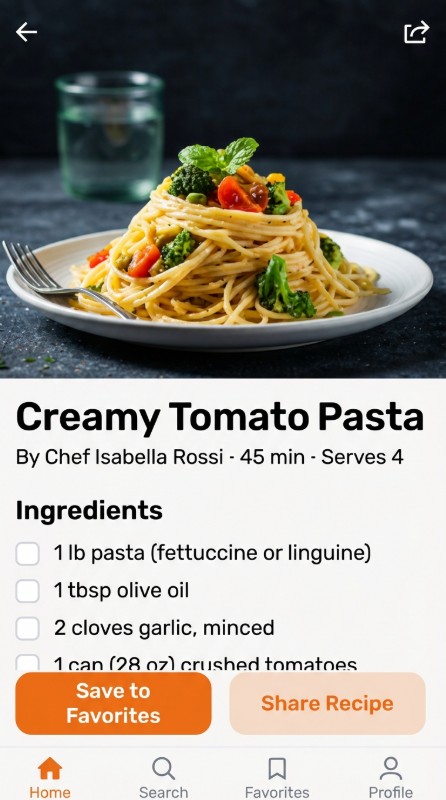
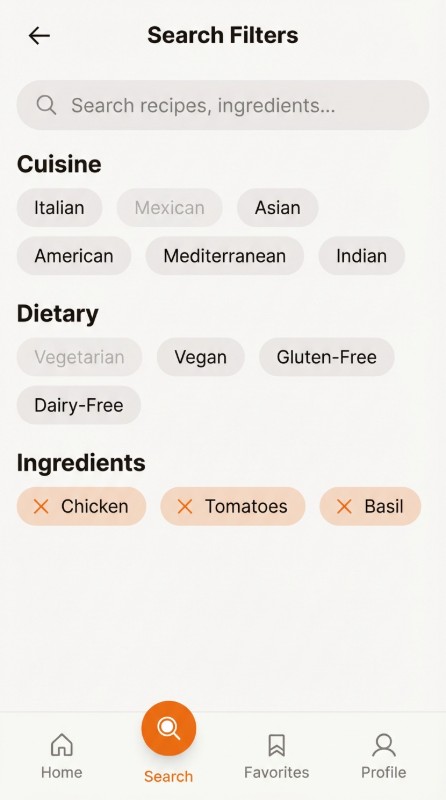
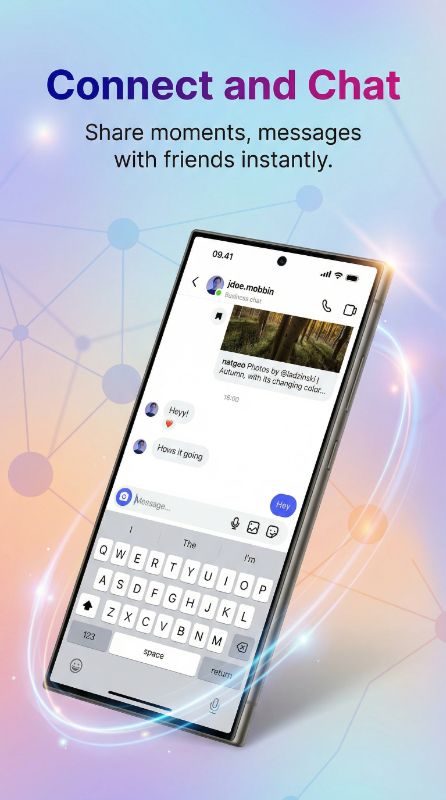
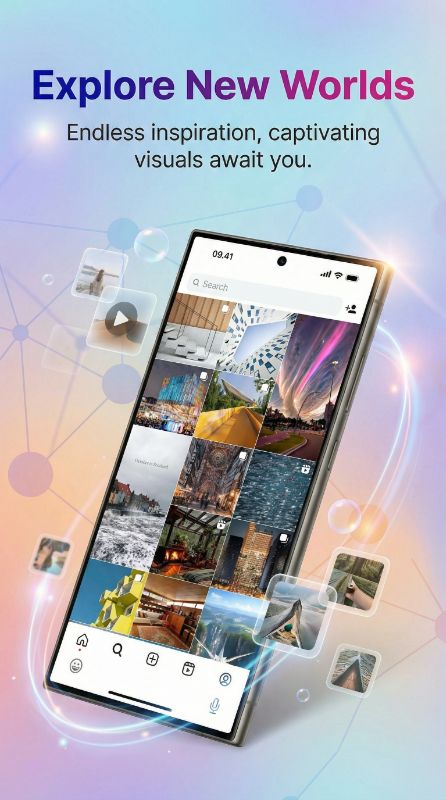
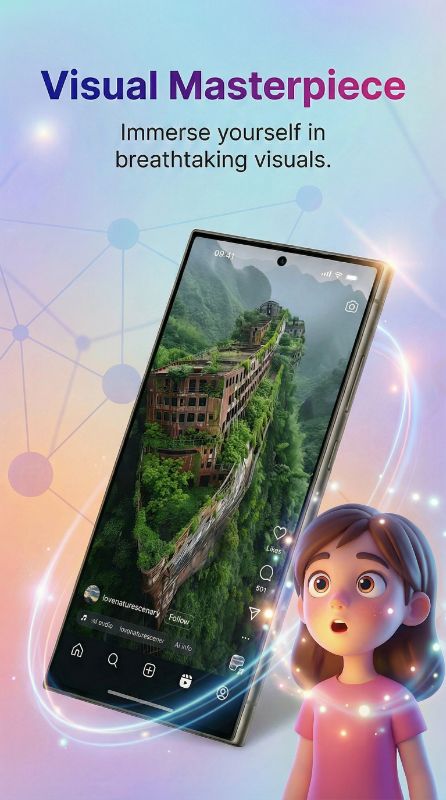
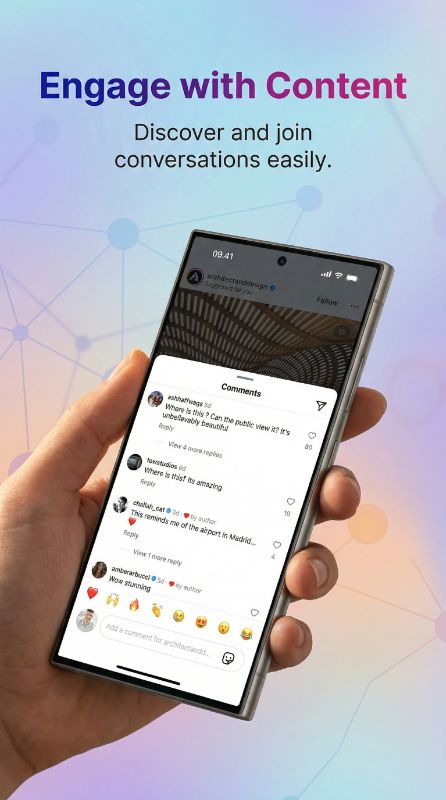
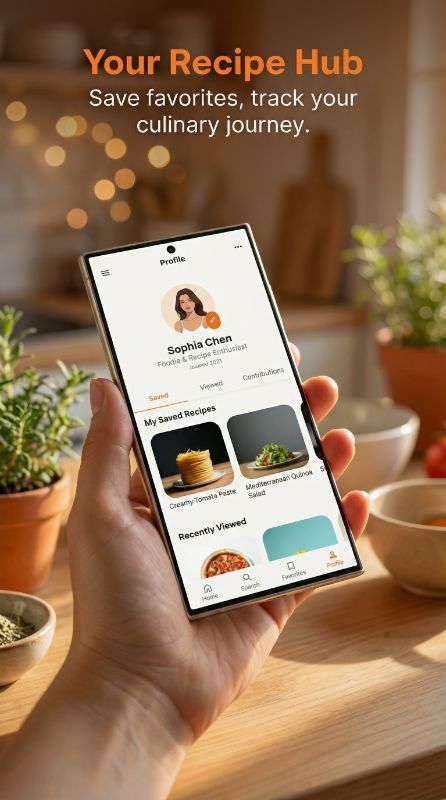
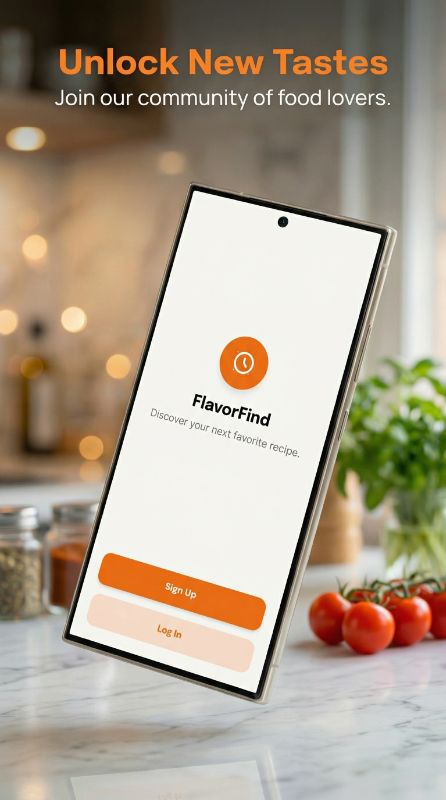
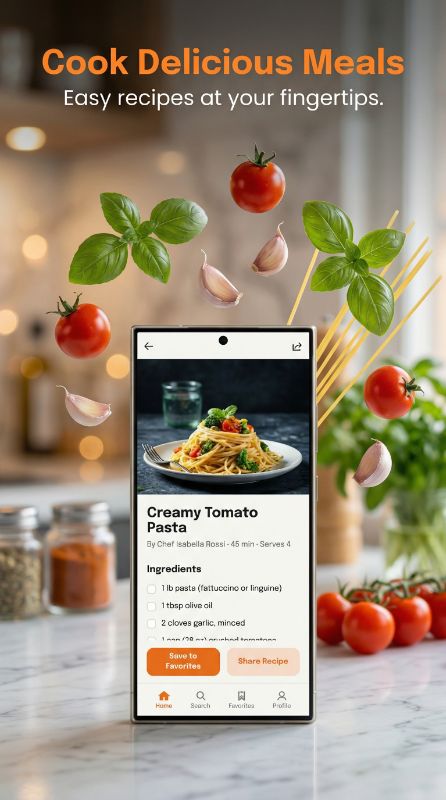
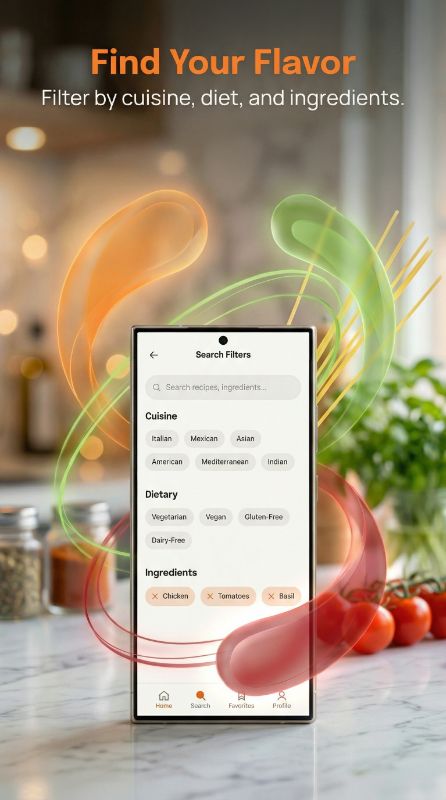
Generate App Store Screenshots — Before & After
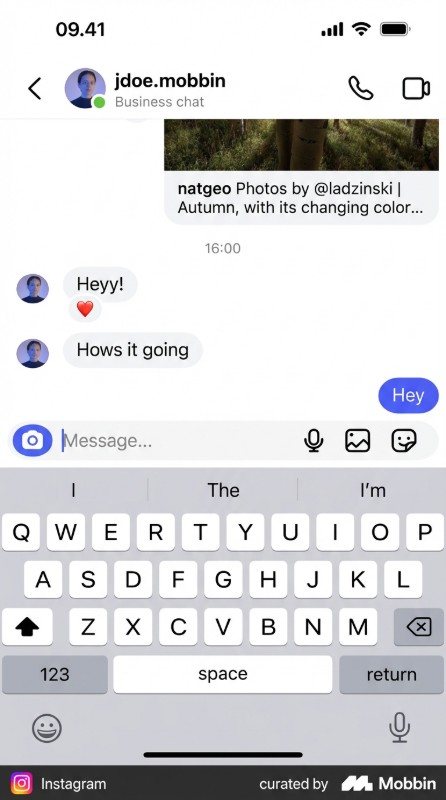
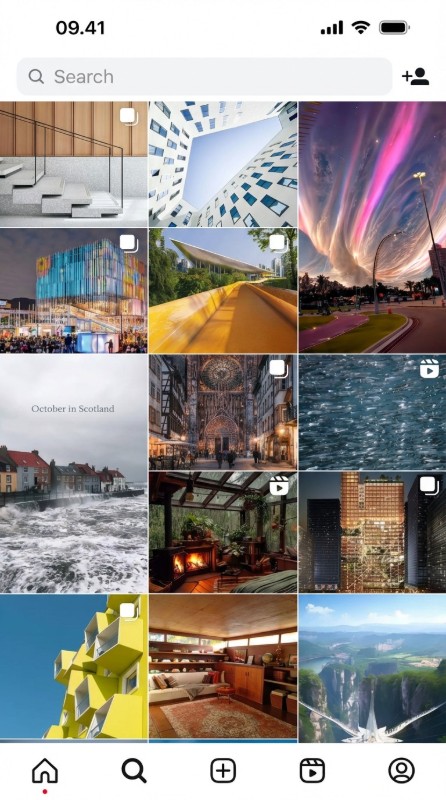
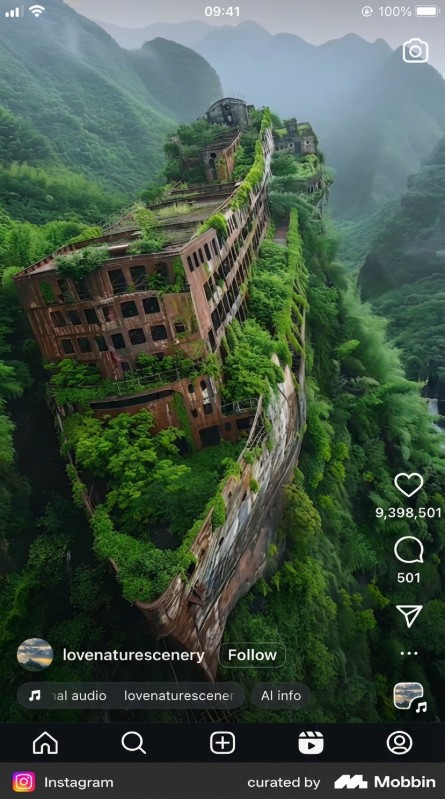
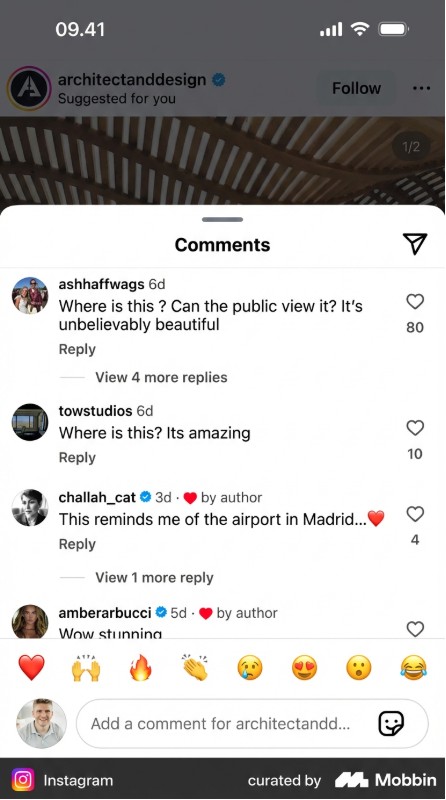
See how our iOS app screenshot generator transforms raw screenshots into store-ready assets
Struggling to Create App Store Screenshots?
Hours in Sketch or Figma
Spending 4-6 hours designing each iOS screenshot set to meet Apple's strict guidelines
Expensive iOS Designers
Paying $300-600 for professional App Store screenshot designs with iPhone frames
iPhone + iPad = Double Work
Creating separate screenshot sets for iPhone Large Display, Medium Display and iPad 13" is exhausting
Four Powerful Ways to Create iOS Screenshots
Generate App Store-ready mockups with iPhone 17 Pro, iPhone Duo, iPad Pro frames and Apple-compliant designs
Create iOS Mockup
Upload your iPhone screenshot, AI generates App Store-ready backgrounds, frames & marketing copy.
- AI-generated App Store titles
- iPhone 17 Pro, iPhone Duo & iPad Pro frames
Match Competitor Style
POPULARPaste any App Store link — AI replicates that exact style for your iOS app screenshots.
- Paste App Store link directly
- AI matches any iOS app's design
Edit iOS Mockup
Change iPhone frames, backgrounds, colors, or App Store titles on your existing marketing assets.
- Swap iPhone device frames
- Edit App Store titles & subtitles
iPhone → iPad & iPhone Duo
Got iPhone mockups? AI converts them to iPad 13" and iPhone Duo (inner + outer display) — same theme, perfectly adapted.
- Preserves original iOS design
- iPad 13" (2048×2732) and iPhone Duo (2007×2853 + 1398×2034)
From iPhone Screenshot to App Store in 3 Steps
No design skills required. Upload your iOS screenshot and let AI handle the rest.
Upload iOS Screenshot
Drop your raw iPhone or iPad app screenshot
AI Creates App Store Asset
AI generates professional mockup with iPhone frame, titles & backgrounds
Submit to App Store
Download store-ready images optimized for App Store Connect
No credit card required
Trusted by iOS Developers
See what developers say about our App Store screenshot generator
“Saved me an entire weekend. I used to spend 5-6 hours in Figma for each app update. Now it takes me literally 10 minutes for all screenshots.”
“The AI titles are surprisingly good. I tweaked maybe 2 out of 8 — the rest went straight to App Store Connect as-is.”
“Finally something that actually works for Play Store. Most tools only care about iOS. The Pixel and Samsung frames look legit.”
“I was skeptical about AI doing design work but honestly the output is better than what half my clients were paying me to do manually lol”
“We launched 3 apps last quarter. AppMockup handled all the screenshots. My cofounder thought I hired a designer.”
“The style matching feature is insane. I pointed it at a competitor's listing and got screenshots that matched their vibe perfectly but for my app.”
“Went from 0 design skills to having screenshots that look like a funded startup made them. The 3 free credits sold me immediately.”
“Match Style is my favourite feature. I grabbed a top competitor's screenshot style, added our own twist to it, and our conversion rate jumped 22%. Absolute game changer.”
“I build for both platforms and this is the only tool that handles iOS AND Android properly in one place. Huge time saver.”
“Bought the 100 credit pack. Already used 60 of them across 4 different apps. Best money I've spent on marketing tools this year.”
“I recommend this to all my developer clients who can't afford a designer. The quality is genuinely impressive for an automated tool.”
“The iPad conversion feature alone is worth it. I had iPhone screenshots done and it converted them to iPad in like 2 minutes. Perfect.”
“Made screenshots for my puzzle game and they actually captured the feel of the gameplay. The AI understood what my app was about.”
“Saved me an entire weekend. I used to spend 5-6 hours in Figma for each app update. Now it takes me literally 10 minutes for all screenshots.”
“The AI titles are surprisingly good. I tweaked maybe 2 out of 8 — the rest went straight to App Store Connect as-is.”
“Finally something that actually works for Play Store. Most tools only care about iOS. The Pixel and Samsung frames look legit.”
“I was skeptical about AI doing design work but honestly the output is better than what half my clients were paying me to do manually lol”
“We launched 3 apps last quarter. AppMockup handled all the screenshots. My cofounder thought I hired a designer.”
“The style matching feature is insane. I pointed it at a competitor's listing and got screenshots that matched their vibe perfectly but for my app.”
“Went from 0 design skills to having screenshots that look like a funded startup made them. The 3 free credits sold me immediately.”
“Match Style is my favourite feature. I grabbed a top competitor's screenshot style, added our own twist to it, and our conversion rate jumped 22%. Absolute game changer.”
“I build for both platforms and this is the only tool that handles iOS AND Android properly in one place. Huge time saver.”
“Bought the 100 credit pack. Already used 60 of them across 4 different apps. Best money I've spent on marketing tools this year.”
“I recommend this to all my developer clients who can't afford a designer. The quality is genuinely impressive for an automated tool.”
“The iPad conversion feature alone is worth it. I had iPhone screenshots done and it converted them to iPad in like 2 minutes. Perfect.”
“Made screenshots for my puzzle game and they actually captured the feel of the gameplay. The AI understood what my app was about.”
“I've tried AppLaunchpad and Screenshots Pro before. This is faster, cheaper, and the results are honestly better. Not even close.”
“We used to outsource screenshots for $400 per set. Now our junior dev handles it in 15 minutes. The ROI is ridiculous.”
“Clean output, no weird artifacts, titles that actually make sense. I was ready for it to be gimmicky but it's legit.”
“The backgrounds it generates are really tasteful. Not the generic gradients you see everywhere — actually thoughtful color choices.”
“Shipped my side project last week. Screenshots took 8 minutes total. My App Store listing looks like it was done by a pro agency.”
“I now include AppMockup in my ASO toolkit for all clients. It's become part of my standard workflow for new app launches.”
“The iPhone 16 Pro Max frames look pixel-perfect. Apple would approve these without a second glance. Really well done.”
“I was spending more time on screenshots than on actual coding. This gave me my evenings back. Not exaggerating.”
“Google Play feature graphic + all screenshots done in one sitting. First time I've actually enjoyed the publishing process.”
“We used Match Style on the top 3 apps in our category, picked the best elements from each, and made it our own. Downloads went up 18% that week. Felt like cheating honestly.”
“Launched on Product Hunt with AI-generated screenshots. People kept asking who designed them. That says everything.”
“The fact that it writes the marketing text FOR you is the real killer feature. I'm terrible at copywriting and the AI nails it every time.”
“I've tried AppLaunchpad and Screenshots Pro before. This is faster, cheaper, and the results are honestly better. Not even close.”
“We used to outsource screenshots for $400 per set. Now our junior dev handles it in 15 minutes. The ROI is ridiculous.”
“Clean output, no weird artifacts, titles that actually make sense. I was ready for it to be gimmicky but it's legit.”
“The backgrounds it generates are really tasteful. Not the generic gradients you see everywhere — actually thoughtful color choices.”
“Shipped my side project last week. Screenshots took 8 minutes total. My App Store listing looks like it was done by a pro agency.”
“I now include AppMockup in my ASO toolkit for all clients. It's become part of my standard workflow for new app launches.”
“The iPhone 16 Pro Max frames look pixel-perfect. Apple would approve these without a second glance. Really well done.”
“I was spending more time on screenshots than on actual coding. This gave me my evenings back. Not exaggerating.”
“Google Play feature graphic + all screenshots done in one sitting. First time I've actually enjoyed the publishing process.”
“We used Match Style on the top 3 apps in our category, picked the best elements from each, and made it our own. Downloads went up 18% that week. Felt like cheating honestly.”
“Launched on Product Hunt with AI-generated screenshots. People kept asking who designed them. That says everything.”
“The fact that it writes the marketing text FOR you is the real killer feature. I'm terrible at copywriting and the AI nails it every time.”
Why Choose AppMockup for App Store Screenshots?
App Store Screenshot Sizes (2026)
The exact pixel dimensions Apple accepts in App Store Connect. AppMockup exports every size below automatically.
Apple now treats the 6.9" iPhone set (shown as Large Display under Media Manager → View All Sizes in App Store Connect) as the primary requirement and automatically scales it down to the Medium Display and smaller iPhones. AppMockup downloads include both, ready for each slot. A 13" iPad set is required only if your app supports iPad. Screenshots must be PNG or JPG in RGB with no transparency. Need to verify an existing file? Use the Dimension Checker →
Your app hit a milestone. Now show it off.
AppMockup keeps an eye on your live listing and tells you when you reach a milestone. Celebrate it with a share card, or add a social-proof screenshot to your listing that looks like it was always part of the set.
- Daily checks of rating, ratings count, downloads and 5-star reviews
- Milestone screenshots styled from your current live screenshots
- Suggested position plus a full store preview before you upload
- Track 1 app free, up to 30 on paid plans
Track your live app
Paste your App Store or Google Play link. We check ratings, reviews and downloads every day.
Get milestone alerts
1K+ downloads, a 4.5★ rating, your first 5-star review: you get an email the day it happens.
Turn wins into assets
Free share cards for social, or a store screenshot that matches your current listing, with a suggested slot.
Get featured
Submit to the AppMockup Showcase for a public page and a "Featured on AppMockup" badge.
App Store Screenshot FAQ
What size do App Store screenshots need to be in 2026?
Apple’s primary required iPhone size is the 6.9-inch display, listed as Large Display in App Store Connect (iPhone 17 Pro Max, 16 Pro Max and Plus models): 1290×2796 or 1320×2868 pixels, portrait. The 6.3-inch Medium Display (iPhone 17, 17 Pro, 16 Pro) uses 1206×2622 or 1179×2556 and is optional, since Apple scales the Large set down. The 6.5" display accepts 1242×2688 or 1284×2778. If your app supports iPad, you also need the 13" iPad size: 2048×2732 or 2064×2752. AppMockup exports these exact dimensions automatically.
How many screenshots can you upload to the App Store?
App Store Connect lets you upload up to 10 screenshots per device size for each language, and at least one is required. For conversion, 4–6 screenshots that lead with your strongest features work best.
Do I need separate screenshots for iPhone and iPad?
Yes. If your app supports iPad, Apple requires a 13" iPad screenshot set in addition to your iPhone set. Our iPhone → iPad converter recreates your iPhone designs at iPad dimensions in one click.
Can I use the same screenshots for every iPhone model?
Yes. Upload the 6.9-inch Large Display set (App Store Connect: Media Manager, View All Sizes) and Apple automatically scales it down to the Medium Display and older iPhones, so you don’t need a separate set for each model.
What file format do App Store screenshots need to be?
App Store screenshots must be PNG or JPG, in the RGB color space, with no transparency (no alpha channel). AppMockup exports compliant, high-resolution files ready for App Store Connect.
What are the App Store title and subtitle character limits?
Apple allows 30 characters for the app name, 30 for the subtitle, 170 for promotional text, and 4,000 for the description and What’s New notes. Use our Metadata Character Counter to check limits before you submit.
Can screenshots get your app rejected?
Yes. Apple can reject screenshots that use the wrong dimensions, show content that isn’t in the app, include placeholder text, or misrepresent functionality. AppMockup outputs meet Apple’s dimension and content requirements so your submission passes review.
Can I match a competitor’s App Store screenshot style?
Yes! Paste any App Store link and our AI fetches that app’s screenshots, analyzes the colors, layout, and design, then applies the same style to your iOS screenshots.
Which iPhone and iPad frames are supported?
AppMockup includes the latest device frames including iPhone 17 Pro Max, iPhone 17 Pro, iPhone 17, iPhone Duo (inner and outer display), the iPhone 16 and 15 series, iPhone SE, and the latest iPad Pro 13", all pixel-accurate to Apple’s current dimensions.
Is this App Store screenshot generator free?
Yes. New users get 3 free credits with no credit card and no watermark. Paid plans start at $9/month for 25 screenshots, and unused credits roll over for up to 2 months. Cancel anytime.
What is App Tracking?
Paste your live App Store or Google Play link and AppMockup checks it every day: rating, number of ratings, Google Play downloads and new 5-star reviews. When you hit a milestone, like 1K+ downloads, a 4.5★ average or your first 5-star review, we email you and you can turn it into a share card for social media (free) or a new store screenshot in one click.
Will a milestone screenshot match the screenshots already on my listing?
Yes. Each time you create one, we pull the screenshots that are live on your listing right now, read their colors, fonts, background and layout, and design a new social-proof screenshot in the same style, so it looks like part of the set. We also suggest which position to put it in and let you preview your whole listing with it in place before you upload. It costs 1 credit; showcase share cards are free.
How many apps can I track?
Free accounts track 1 app, Indie 2, Pro 5 and Studio 30. Apps are scanned automatically every day on every plan, and you can also refresh manually.
How do I get featured on the AppMockup Showcase?
From App Tracking, confirm that the screenshots on your live listing were made with AppMockup and submit your app. Our team reviews every submission, and once approved your app gets a public Showcase page and a "Featured on AppMockup" badge you can add to your website.
More iOS Marketing Tools
Everything you need to optimize your App Store presence
Ready to Create Stunning App Store Screenshots?
Join thousands of iOS developers creating professional App Store marketing assets in minutes, not hours.
No credit card3 free screenshotsNo watermarks