
Free Play Store Screenshot Generator
Create Android Screenshots with AI
The fastest Google Play screenshot generator for Android apps. Generate Play Store screenshots with AI in under 2 minutes. Pixel 9 Pro & Samsung Galaxy S24 frames. AI-generated titles. Google Play compliant.
No credit card required3 free screenshotsNo watermarks
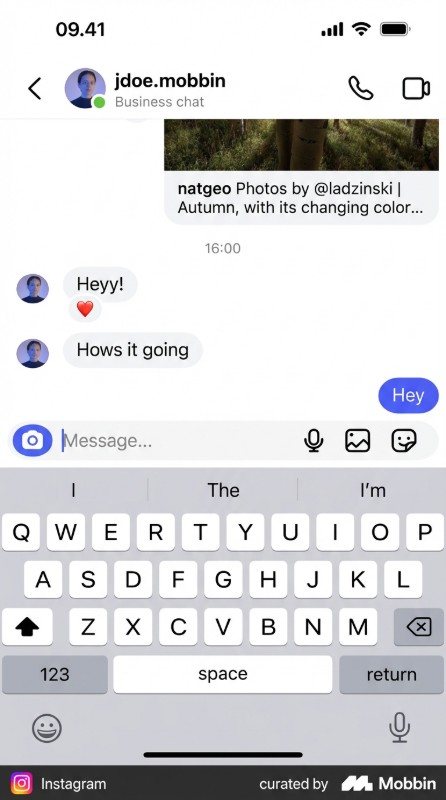
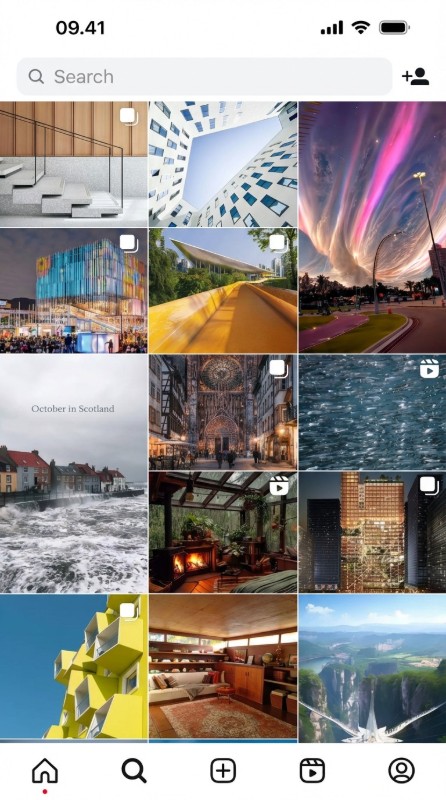
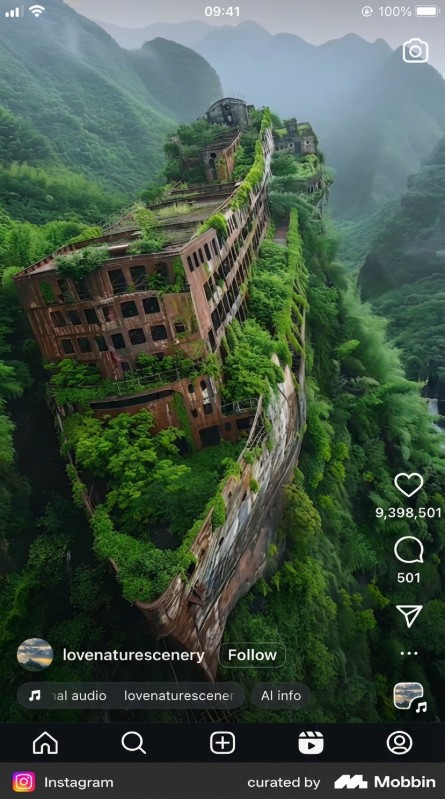
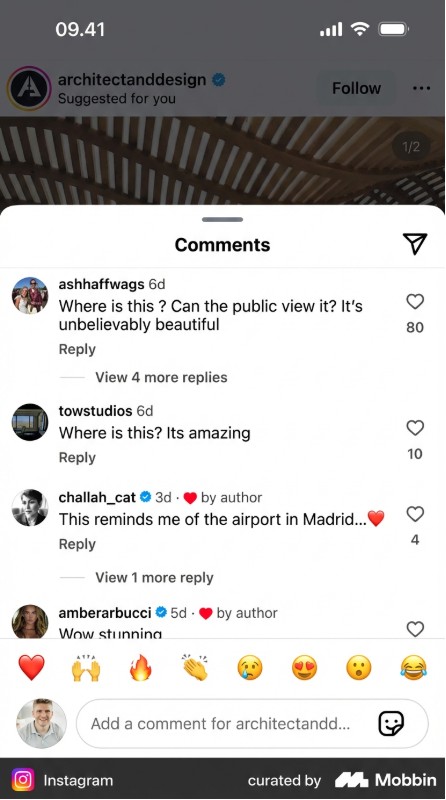
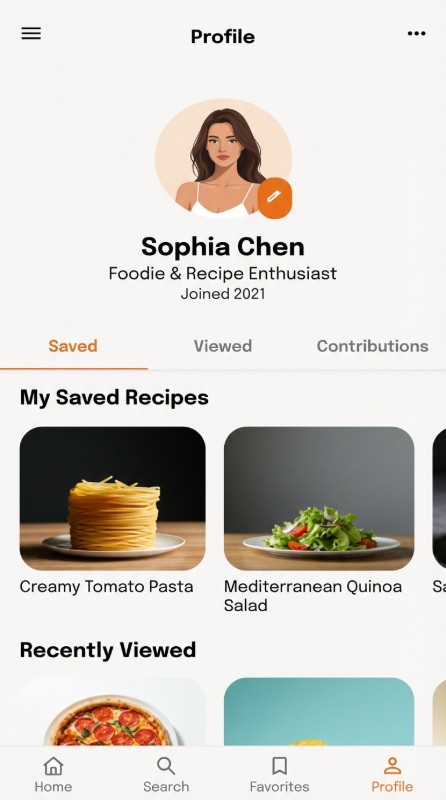
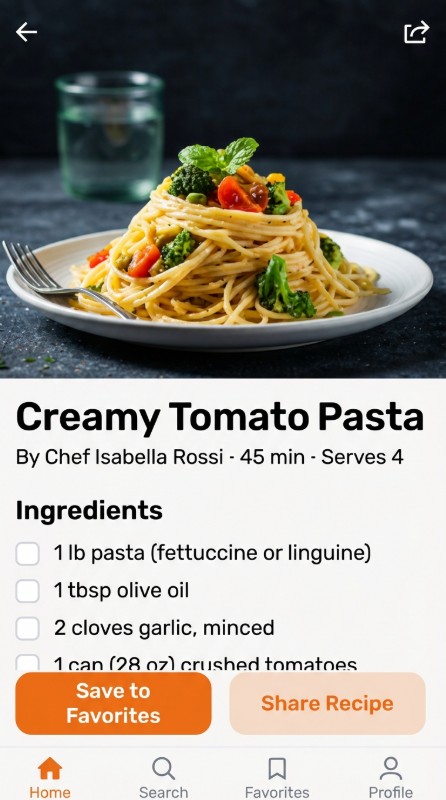
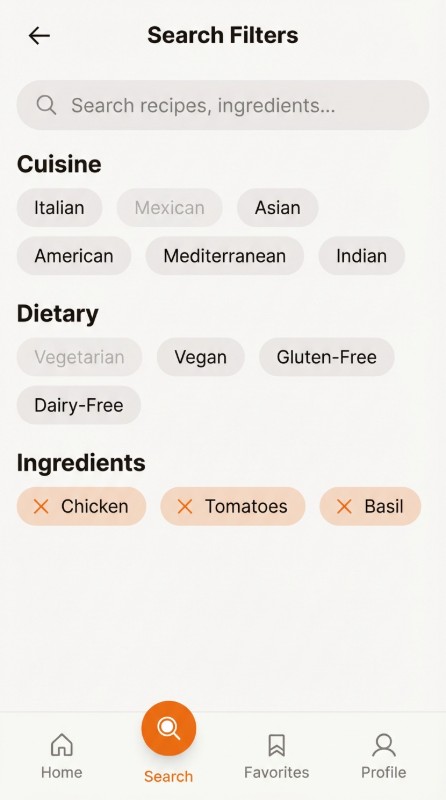
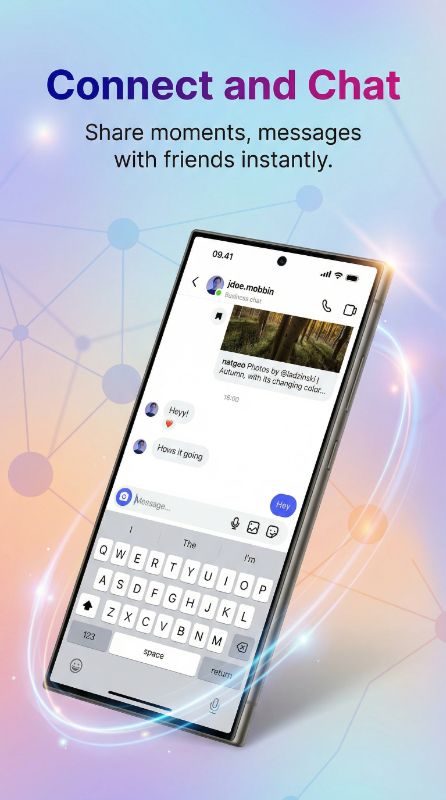
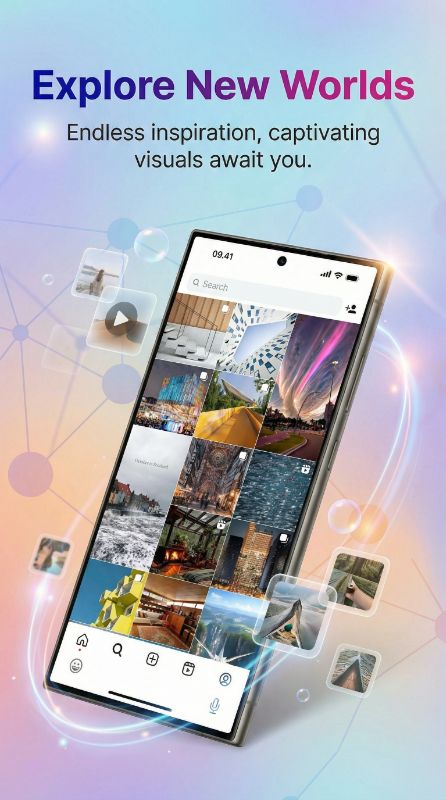
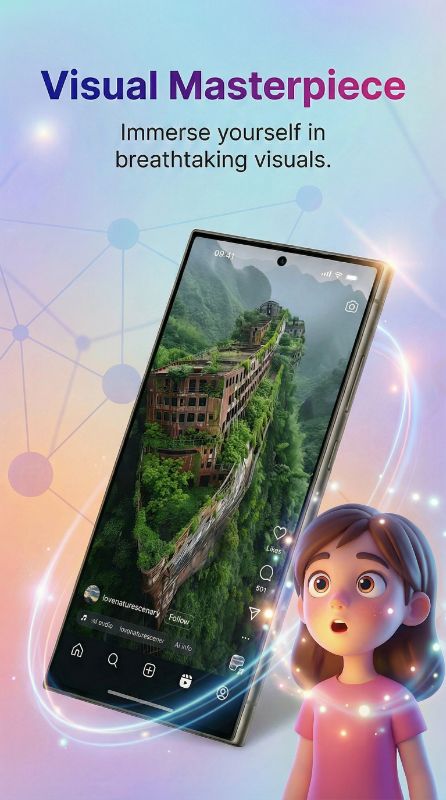
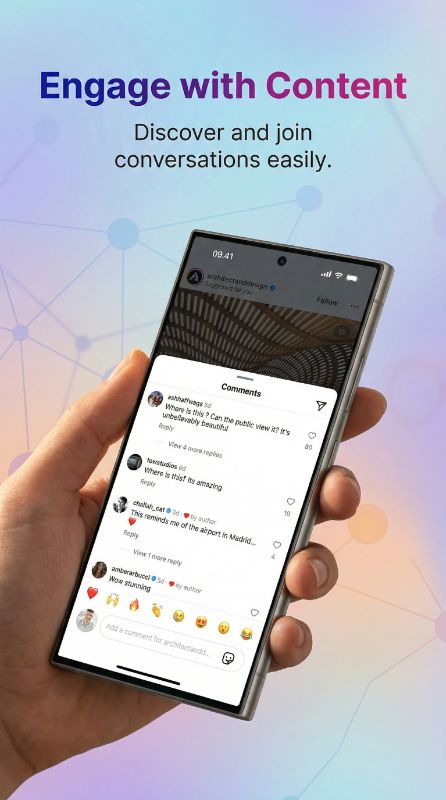
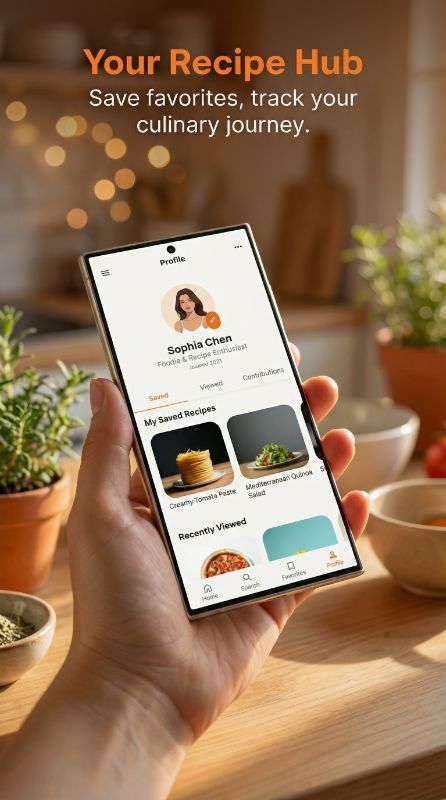
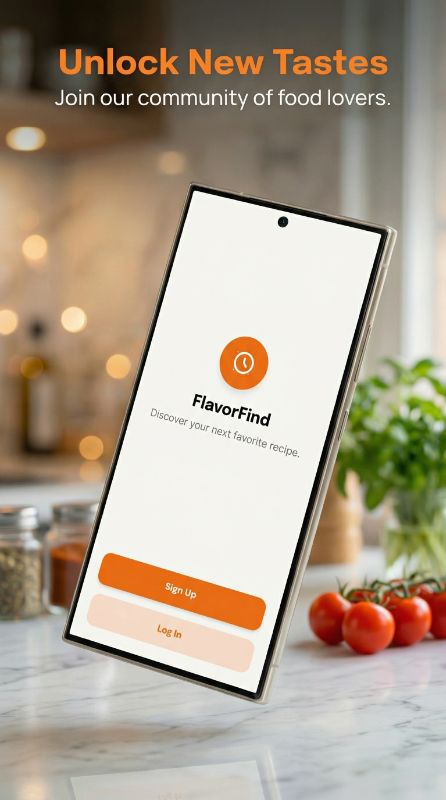
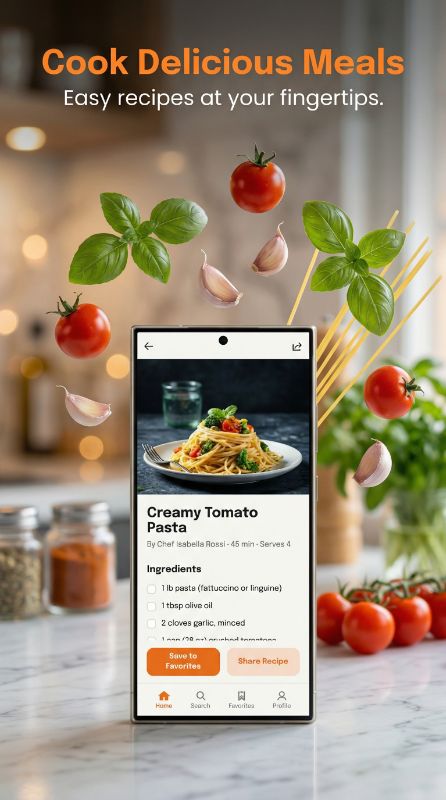
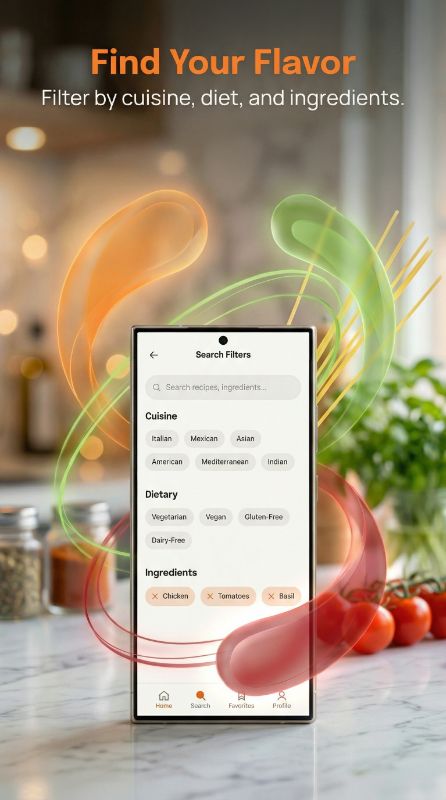
Generate Play Store Screenshots — Before & After
See how our Google Play screenshot generator creates store-ready Android marketing assets
Struggling to Make Play Store Screenshots?
Hours in Design Tools
Spending 4-6 hours designing each Android screenshot set to meet Google Play requirements
Expensive Android Designers
Paying $200-500 for professional Play Store screenshot designs with Material Design frames
Device Fragmentation
Creating screenshots that look great across Pixel, Samsung, and other Android devices
Four Powerful Ways to Create Android Screenshots
Generate Play Store-ready mockups with Pixel 9 Pro, Samsung Galaxy S24 frames and Google Play compliant designs
Create Android Mockup
Upload your Android screenshot, AI generates Play Store-ready backgrounds, frames & marketing copy.
- AI-generated Play Store titles
- Pixel 9 Pro & Galaxy S24 frames
Match Competitor Style
POPULARPaste any Play Store link — AI replicates that exact style for your Android app screenshots.
- Paste Play Store link directly
- AI matches any Android app's design
Edit Android Mockup
Change Android device frames, backgrounds, colors, or Play Store titles on your existing assets.
- Swap Android device frames
- Edit Play Store titles & subtitles
Feature Graphic
Generate a stunning 1024×500 feature graphic for your Play Store listing with one click.
- Google Play required format
- AI combines your best screenshots
From Android Screenshot to Play Store in 3 Steps
No design skills required. Upload your Android screenshot and let AI handle the rest.
Upload Android Screenshot
Drop your raw Pixel, Samsung, or any Android app screenshot
AI Creates Play Store Asset
AI generates professional mockup with Android frame, titles & backgrounds
Publish to Play Store
Download store-ready images optimized for Google Play Console
No credit card required
Trusted by Android Developers
See what developers say about our Play Store screenshot generator
“Saved me an entire weekend. I used to spend 5-6 hours in Figma for each app update. Now it takes me literally 10 minutes for all screenshots.”
“The AI titles are surprisingly good. I tweaked maybe 2 out of 8 — the rest went straight to App Store Connect as-is.”
“Finally something that actually works for Play Store. Most tools only care about iOS. The Pixel and Samsung frames look legit.”
“I was skeptical about AI doing design work but honestly the output is better than what half my clients were paying me to do manually lol”
“We launched 3 apps last quarter. AppMockup handled all the screenshots. My cofounder thought I hired a designer.”
“The style matching feature is insane. I pointed it at a competitor's listing and got screenshots that matched their vibe perfectly but for my app.”
“Went from 0 design skills to having screenshots that look like a funded startup made them. The 3 free credits sold me immediately.”
“Match Style is my favourite feature. I grabbed a top competitor's screenshot style, added our own twist to it, and our conversion rate jumped 22%. Absolute game changer.”
“I build for both platforms and this is the only tool that handles iOS AND Android properly in one place. Huge time saver.”
“Bought the 100 credit pack. Already used 60 of them across 4 different apps. Best money I've spent on marketing tools this year.”
“I recommend this to all my developer clients who can't afford a designer. The quality is genuinely impressive for an automated tool.”
“The iPad conversion feature alone is worth it. I had iPhone screenshots done and it converted them to iPad in like 2 minutes. Perfect.”
“Made screenshots for my puzzle game and they actually captured the feel of the gameplay. The AI understood what my app was about.”
“Saved me an entire weekend. I used to spend 5-6 hours in Figma for each app update. Now it takes me literally 10 minutes for all screenshots.”
“The AI titles are surprisingly good. I tweaked maybe 2 out of 8 — the rest went straight to App Store Connect as-is.”
“Finally something that actually works for Play Store. Most tools only care about iOS. The Pixel and Samsung frames look legit.”
“I was skeptical about AI doing design work but honestly the output is better than what half my clients were paying me to do manually lol”
“We launched 3 apps last quarter. AppMockup handled all the screenshots. My cofounder thought I hired a designer.”
“The style matching feature is insane. I pointed it at a competitor's listing and got screenshots that matched their vibe perfectly but for my app.”
“Went from 0 design skills to having screenshots that look like a funded startup made them. The 3 free credits sold me immediately.”
“Match Style is my favourite feature. I grabbed a top competitor's screenshot style, added our own twist to it, and our conversion rate jumped 22%. Absolute game changer.”
“I build for both platforms and this is the only tool that handles iOS AND Android properly in one place. Huge time saver.”
“Bought the 100 credit pack. Already used 60 of them across 4 different apps. Best money I've spent on marketing tools this year.”
“I recommend this to all my developer clients who can't afford a designer. The quality is genuinely impressive for an automated tool.”
“The iPad conversion feature alone is worth it. I had iPhone screenshots done and it converted them to iPad in like 2 minutes. Perfect.”
“Made screenshots for my puzzle game and they actually captured the feel of the gameplay. The AI understood what my app was about.”
“I've tried AppLaunchpad and Screenshots Pro before. This is faster, cheaper, and the results are honestly better. Not even close.”
“We used to outsource screenshots for $400 per set. Now our junior dev handles it in 15 minutes. The ROI is ridiculous.”
“Clean output, no weird artifacts, titles that actually make sense. I was ready for it to be gimmicky but it's legit.”
“The backgrounds it generates are really tasteful. Not the generic gradients you see everywhere — actually thoughtful color choices.”
“Shipped my side project last week. Screenshots took 8 minutes total. My App Store listing looks like it was done by a pro agency.”
“I now include AppMockup in my ASO toolkit for all clients. It's become part of my standard workflow for new app launches.”
“The iPhone 16 Pro Max frames look pixel-perfect. Apple would approve these without a second glance. Really well done.”
“I was spending more time on screenshots than on actual coding. This gave me my evenings back. Not exaggerating.”
“Google Play feature graphic + all screenshots done in one sitting. First time I've actually enjoyed the publishing process.”
“We used Match Style on the top 3 apps in our category, picked the best elements from each, and made it our own. Downloads went up 18% that week. Felt like cheating honestly.”
“Launched on Product Hunt with AI-generated screenshots. People kept asking who designed them. That says everything.”
“The fact that it writes the marketing text FOR you is the real killer feature. I'm terrible at copywriting and the AI nails it every time.”
“I've tried AppLaunchpad and Screenshots Pro before. This is faster, cheaper, and the results are honestly better. Not even close.”
“We used to outsource screenshots for $400 per set. Now our junior dev handles it in 15 minutes. The ROI is ridiculous.”
“Clean output, no weird artifacts, titles that actually make sense. I was ready for it to be gimmicky but it's legit.”
“The backgrounds it generates are really tasteful. Not the generic gradients you see everywhere — actually thoughtful color choices.”
“Shipped my side project last week. Screenshots took 8 minutes total. My App Store listing looks like it was done by a pro agency.”
“I now include AppMockup in my ASO toolkit for all clients. It's become part of my standard workflow for new app launches.”
“The iPhone 16 Pro Max frames look pixel-perfect. Apple would approve these without a second glance. Really well done.”
“I was spending more time on screenshots than on actual coding. This gave me my evenings back. Not exaggerating.”
“Google Play feature graphic + all screenshots done in one sitting. First time I've actually enjoyed the publishing process.”
“We used Match Style on the top 3 apps in our category, picked the best elements from each, and made it our own. Downloads went up 18% that week. Felt like cheating honestly.”
“Launched on Product Hunt with AI-generated screenshots. People kept asking who designed them. That says everything.”
“The fact that it writes the marketing text FOR you is the real killer feature. I'm terrible at copywriting and the AI nails it every time.”
Why Choose AppMockup for Play Store Screenshots?
Play Store Screenshot FAQ
What are the required Google Play Store screenshot dimensions?
Google Play requires screenshots with a 9:16 aspect ratio. The recommended resolution is 1080×1920 pixels minimum. All plans generate store-compliant sizes, and Pro/Business plans get Ultra Quality for the sharpest results. Google allows up to 8 screenshots per listing.
What is a Play Store feature graphic and do I need one?
A feature graphic is a 1024×500 pixel banner image displayed at the top of your Play Store listing. While not strictly required, Google strongly recommends it as it significantly increases visibility and conversion rates. Our AI generates feature graphics automatically.
Which Android device frames are available?
We support the latest Android devices including Google Pixel 9 Pro, Pixel 8, Samsung Galaxy S24 Ultra, Samsung Galaxy S21 Ultra, and more. All frames are pixel-perfect replicas of real devices.
Are the generated screenshots Google Play compliant?
All screenshots meet Google Play Store guidelines for dimensions, resolution, and content requirements. They're ready for immediate upload to Google Play Console without any additional processing.
Can I match a competitor's Play Store screenshot style?
Yes! Paste any Google Play Store link and our AI will fetch the screenshots, analyze the design style, colors, and layout, then apply that exact aesthetic to your Android app screenshots.
How many free Play Store screenshots do I get?
New users get 3 free credits to try the service. Each new generation, edit, or regeneration costs 1 credit — because our AI fully regenerates the image for every change. You can purchase more credits anytime starting at $9 for 25 credits.
Can I generate screenshots for both phone and tablet?
Yes! Our tool generates screenshots optimized for Android phones in 9:16 aspect ratio. For tablet screenshots, you can use our conversion tools to adapt your phone mockups to tablet dimensions.
Can I edit the generated Play Store screenshots?
Yes! After generation, you can change the Android device frame and download for free. AI-powered changes like updating titles, subtitles, backgrounds, or custom edits cost 1 credit each as they require full AI regeneration.
More Android Marketing Tools
Everything you need to optimize your Google Play Store presence
Ready to Create Stunning Play Store Screenshots?
Join thousands of Android developers creating professional Play Store marketing assets in minutes, not hours.
No credit card3 free screenshotsNo watermarks