
App Store & Play Store
Screenshot Generator
Generate app screenshots for App Store and Play Store in under 2 minutes with AI. Create professional iOS & Android mockups — no design skills needed. 3 free screenshots to start.
No credit card required3 free screenshotsNo watermarks
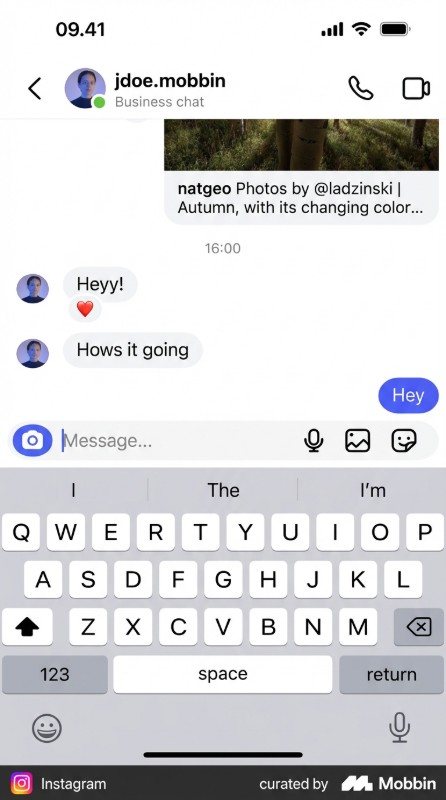
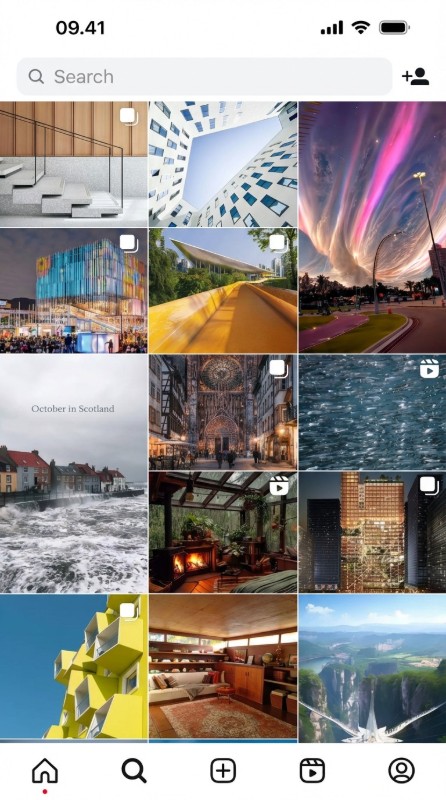
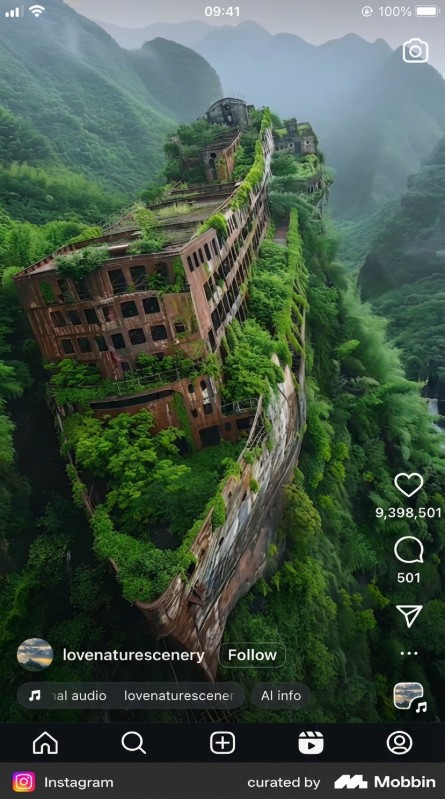
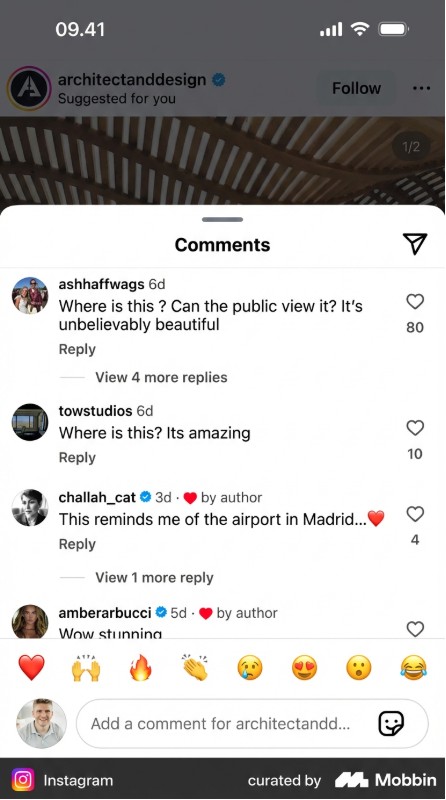
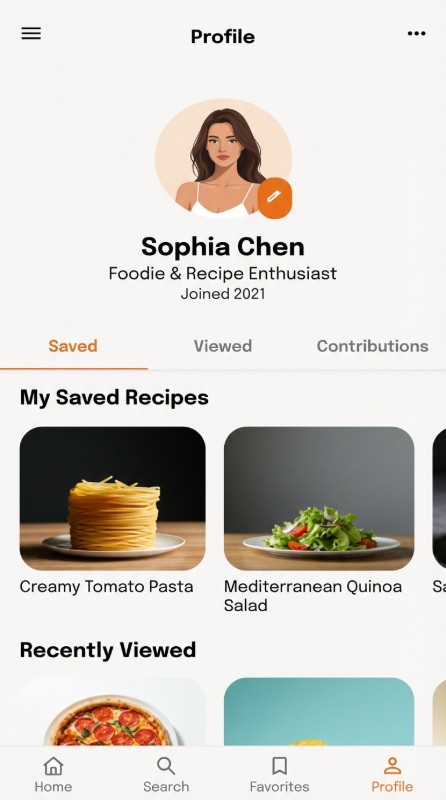
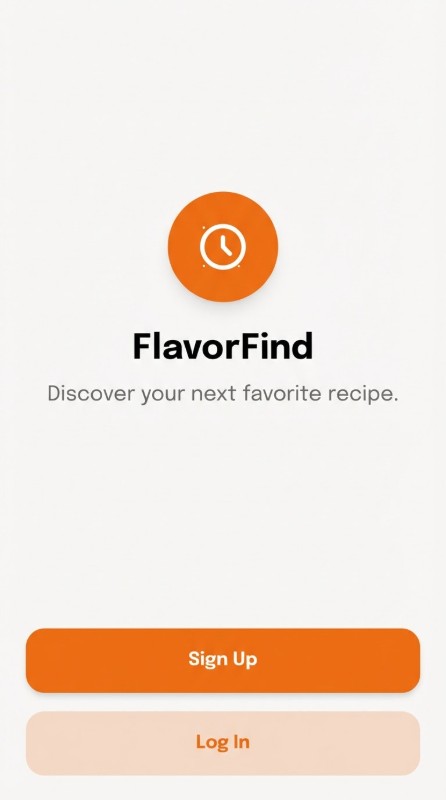
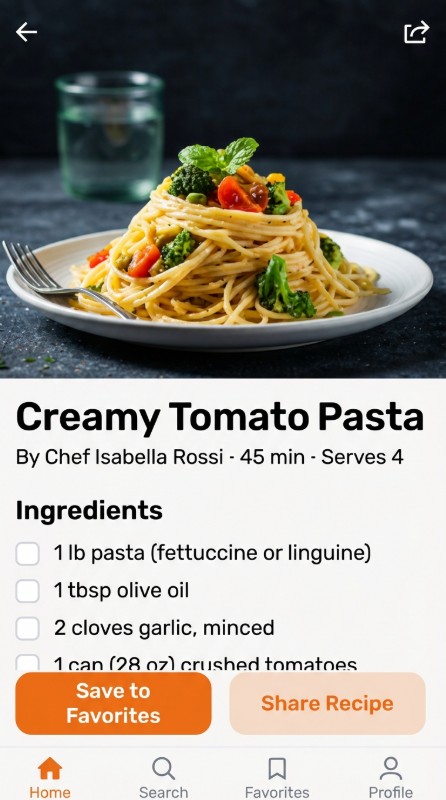
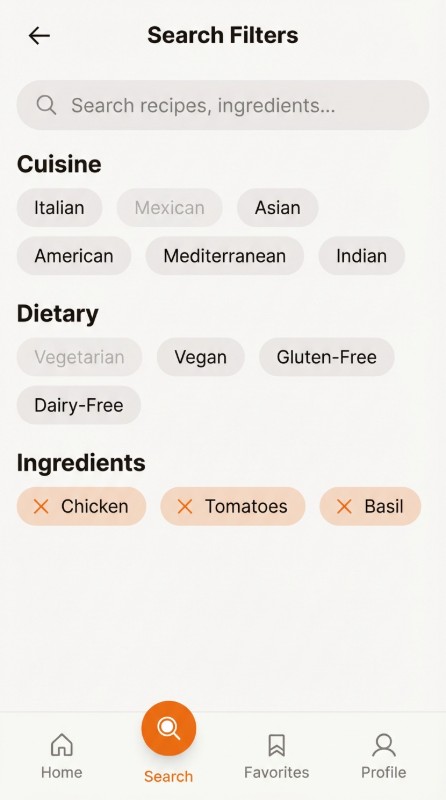
Generate App Screenshots — Before & After
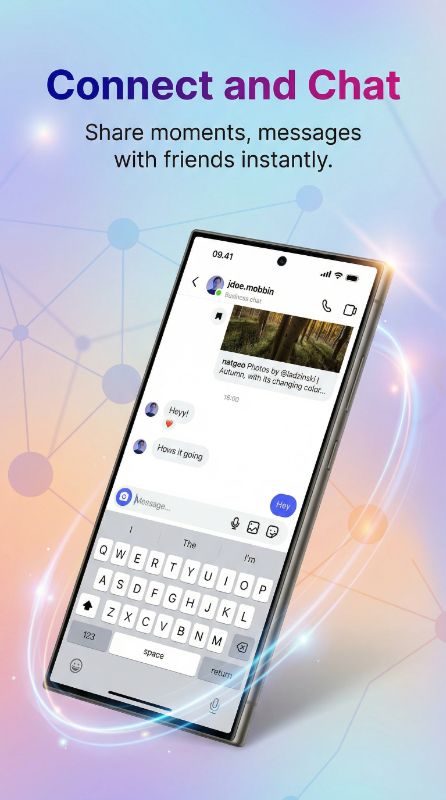
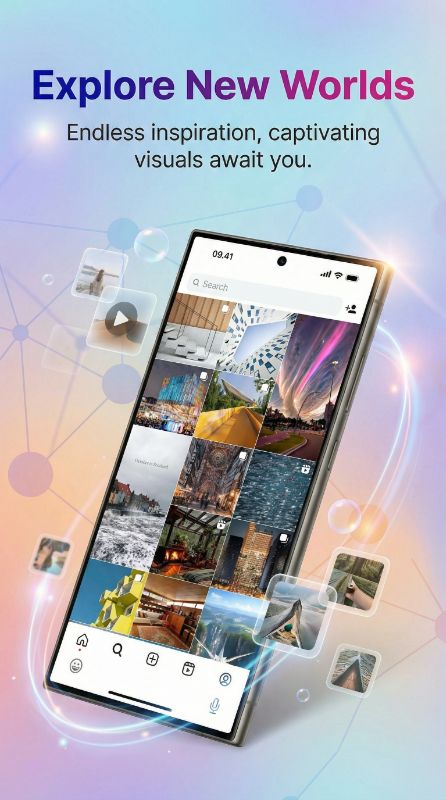
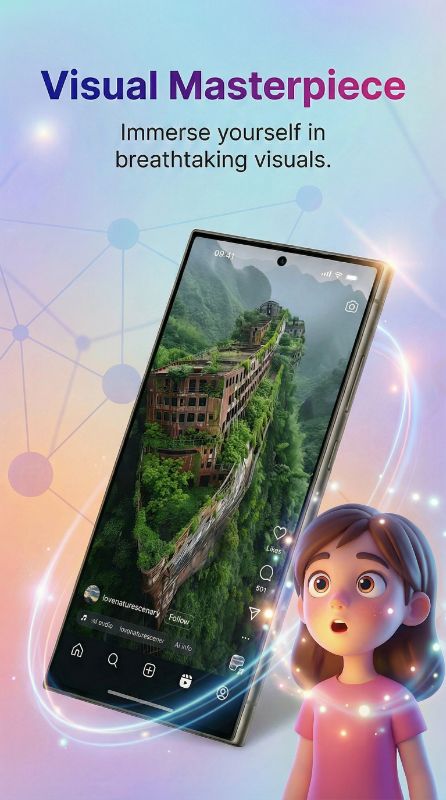
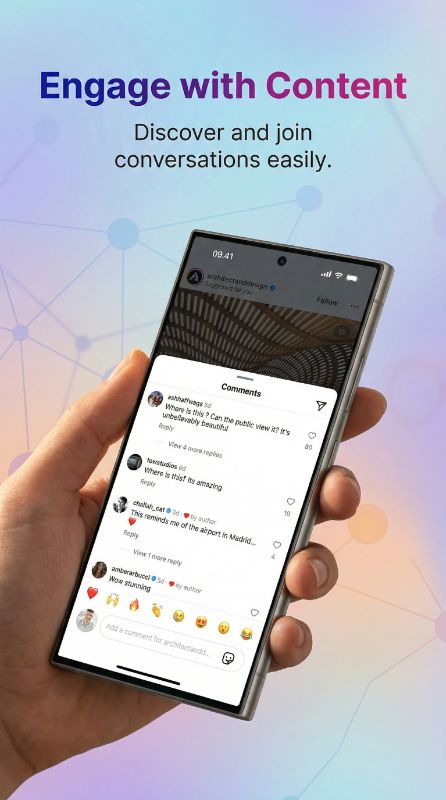
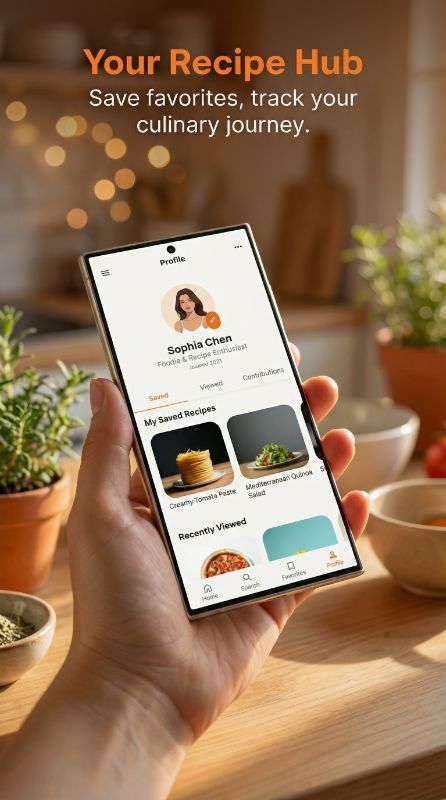
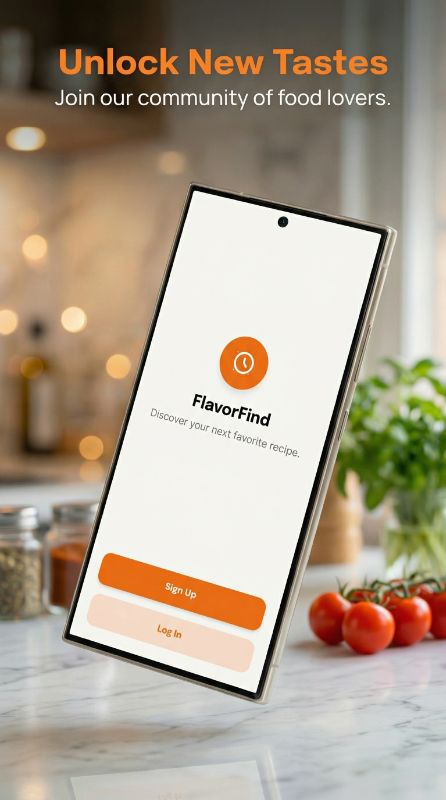
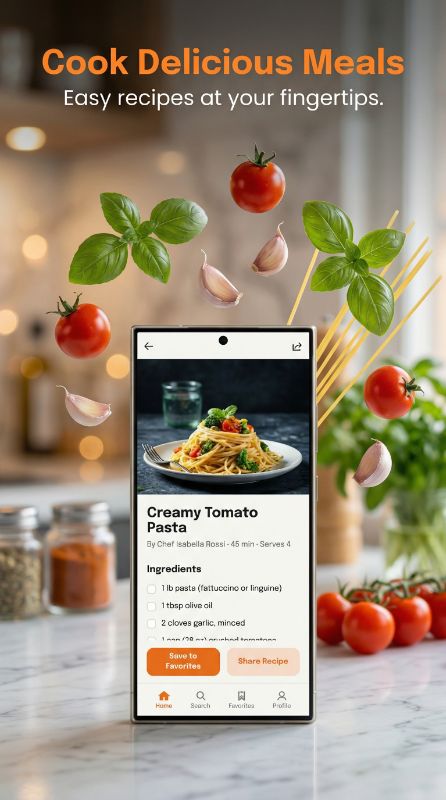
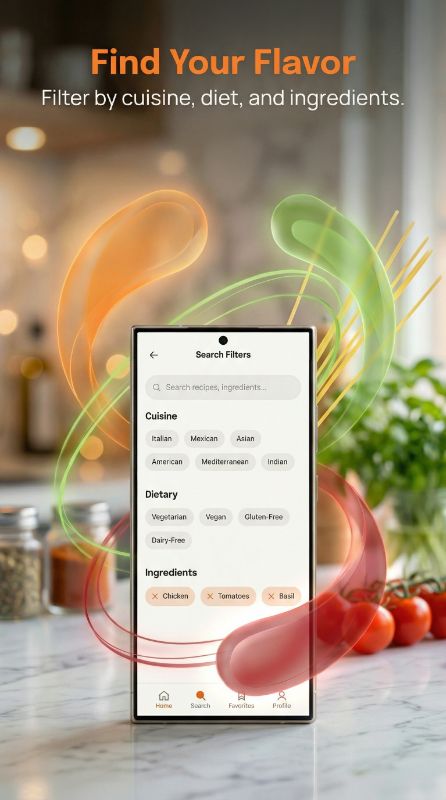
See how our AI screenshot generator transforms raw screenshots into store-ready marketing assets
Why You Need Better App Store Screenshots
Hours in Figma
Spending 4-6 hours designing each screenshot set manually
Expensive Designers
Paying $200-500 for professional screenshot designs
No Design Skills
Struggling to make screenshots look professional
Four Ways to Create App Store & Play Store Screenshots
Make app store screenshots from scratch, match a competitor's style, edit existing mockups, or convert iPhone to iPad
Create New Mockup
Upload raw screenshots, AI generates backgrounds, frames & marketing copy.
- AI-generated titles & subtitles
- iPhone & Android frames
Match Style
POPULARPaste any store link or upload a reference — AI replicates the exact style for your app.
- Paste App Store / Play Store link
- AI matches any competitor's design
Edit Existing Mockup
Change device frames, backgrounds, colors, or text on your existing marketing assets.
- Swap device frames & backgrounds
- Edit titles & subtitles
iPhone → iPad
Got iPhone mockups? AI converts them to iPad 13" in under 2 min — same theme, perfectly adapted.
- Preserves original design & theme
- No redesign needed — upload & convert
iOS App Screenshot Generator & Android Screenshot Maker
Generate store-compliant screenshots for App Store and Google Play Store
App Store Screenshot Generator
Create iOS screenshots with iPhone 16 & iPad frames
Play Store Screenshot Generator
Make Android screenshots with Pixel & Galaxy frames
How to Make App Store Screenshots in 3 Steps
Create app screenshots for App Store and Play Store — no design skills required.
Upload Screenshot
Drop your raw app screenshot or reference image
AI Generates
AI creates professional mockup with titles & backgrounds
Download & Publish
Get store-ready images optimized for App Store and Play Store submission
No credit card required
Trusted by App Developers Worldwide
Join developers who save hours on App Store & Play Store screenshot design
“Saved me an entire weekend. I used to spend 5-6 hours in Figma for each app update. Now it takes me literally 10 minutes for all screenshots.”
“The AI titles are surprisingly good. I tweaked maybe 2 out of 8 — the rest went straight to App Store Connect as-is.”
“Finally something that actually works for Play Store. Most tools only care about iOS. The Pixel and Samsung frames look legit.”
“I was skeptical about AI doing design work but honestly the output is better than what half my clients were paying me to do manually lol”
“We launched 3 apps last quarter. AppMockup handled all the screenshots. My cofounder thought I hired a designer.”
“The style matching feature is insane. I pointed it at a competitor's listing and got screenshots that matched their vibe perfectly but for my app.”
“Went from 0 design skills to having screenshots that look like a funded startup made them. The 3 free credits sold me immediately.”
“Match Style is my favourite feature. I grabbed a top competitor's screenshot style, added our own twist to it, and our conversion rate jumped 22%. Absolute game changer.”
“I build for both platforms and this is the only tool that handles iOS AND Android properly in one place. Huge time saver.”
“Bought the 100 credit pack. Already used 60 of them across 4 different apps. Best money I've spent on marketing tools this year.”
“I recommend this to all my developer clients who can't afford a designer. The quality is genuinely impressive for an automated tool.”
“The iPad conversion feature alone is worth it. I had iPhone screenshots done and it converted them to iPad in like 2 minutes. Perfect.”
“Made screenshots for my puzzle game and they actually captured the feel of the gameplay. The AI understood what my app was about.”
“Saved me an entire weekend. I used to spend 5-6 hours in Figma for each app update. Now it takes me literally 10 minutes for all screenshots.”
“The AI titles are surprisingly good. I tweaked maybe 2 out of 8 — the rest went straight to App Store Connect as-is.”
“Finally something that actually works for Play Store. Most tools only care about iOS. The Pixel and Samsung frames look legit.”
“I was skeptical about AI doing design work but honestly the output is better than what half my clients were paying me to do manually lol”
“We launched 3 apps last quarter. AppMockup handled all the screenshots. My cofounder thought I hired a designer.”
“The style matching feature is insane. I pointed it at a competitor's listing and got screenshots that matched their vibe perfectly but for my app.”
“Went from 0 design skills to having screenshots that look like a funded startup made them. The 3 free credits sold me immediately.”
“Match Style is my favourite feature. I grabbed a top competitor's screenshot style, added our own twist to it, and our conversion rate jumped 22%. Absolute game changer.”
“I build for both platforms and this is the only tool that handles iOS AND Android properly in one place. Huge time saver.”
“Bought the 100 credit pack. Already used 60 of them across 4 different apps. Best money I've spent on marketing tools this year.”
“I recommend this to all my developer clients who can't afford a designer. The quality is genuinely impressive for an automated tool.”
“The iPad conversion feature alone is worth it. I had iPhone screenshots done and it converted them to iPad in like 2 minutes. Perfect.”
“Made screenshots for my puzzle game and they actually captured the feel of the gameplay. The AI understood what my app was about.”
“I've tried AppLaunchpad and Screenshots Pro before. This is faster, cheaper, and the results are honestly better. Not even close.”
“We used to outsource screenshots for $400 per set. Now our junior dev handles it in 15 minutes. The ROI is ridiculous.”
“Clean output, no weird artifacts, titles that actually make sense. I was ready for it to be gimmicky but it's legit.”
“The backgrounds it generates are really tasteful. Not the generic gradients you see everywhere — actually thoughtful color choices.”
“Shipped my side project last week. Screenshots took 8 minutes total. My App Store listing looks like it was done by a pro agency.”
“I now include AppMockup in my ASO toolkit for all clients. It's become part of my standard workflow for new app launches.”
“The iPhone 16 Pro Max frames look pixel-perfect. Apple would approve these without a second glance. Really well done.”
“I was spending more time on screenshots than on actual coding. This gave me my evenings back. Not exaggerating.”
“Google Play feature graphic + all screenshots done in one sitting. First time I've actually enjoyed the publishing process.”
“We used Match Style on the top 3 apps in our category, picked the best elements from each, and made it our own. Downloads went up 18% that week. Felt like cheating honestly.”
“Launched on Product Hunt with AI-generated screenshots. People kept asking who designed them. That says everything.”
“The fact that it writes the marketing text FOR you is the real killer feature. I'm terrible at copywriting and the AI nails it every time.”
“I've tried AppLaunchpad and Screenshots Pro before. This is faster, cheaper, and the results are honestly better. Not even close.”
“We used to outsource screenshots for $400 per set. Now our junior dev handles it in 15 minutes. The ROI is ridiculous.”
“Clean output, no weird artifacts, titles that actually make sense. I was ready for it to be gimmicky but it's legit.”
“The backgrounds it generates are really tasteful. Not the generic gradients you see everywhere — actually thoughtful color choices.”
“Shipped my side project last week. Screenshots took 8 minutes total. My App Store listing looks like it was done by a pro agency.”
“I now include AppMockup in my ASO toolkit for all clients. It's become part of my standard workflow for new app launches.”
“The iPhone 16 Pro Max frames look pixel-perfect. Apple would approve these without a second glance. Really well done.”
“I was spending more time on screenshots than on actual coding. This gave me my evenings back. Not exaggerating.”
“Google Play feature graphic + all screenshots done in one sitting. First time I've actually enjoyed the publishing process.”
“We used Match Style on the top 3 apps in our category, picked the best elements from each, and made it our own. Downloads went up 18% that week. Felt like cheating honestly.”
“Launched on Product Hunt with AI-generated screenshots. People kept asking who designed them. That says everything.”
“The fact that it writes the marketing text FOR you is the real killer feature. I'm terrible at copywriting and the AI nails it every time.”
AI-Powered Design vs. Traditional Workflow
Your app isn't a template. Your marketing shouldn't be either.
Template tools recycle the same layouts for every app — your screenshots end up looking like everyone else's. Our AI designs around your app's unique colors, content, and personality. Every mockup is one-of-a-kind.
App Store Screenshot Generator — FAQ
How does the app store screenshot generator work?
Upload your raw iOS or Android app screenshot, and our AI screenshot generator automatically creates professional marketing assets. It analyzes your app, generates compelling titles and subtitles, creates a beautiful background, and places your screenshot in a realistic device frame (iPhone 16, Pixel 9, Samsung Galaxy S24) — all in under 2 minutes.
Is this app store screenshot generator free?
Yes! New users get 3 free screenshots — no credit card required. Each generation costs 1 credit. After your free credits, affordable packages start at $9 for 25 screenshots. Credits never expire.
Can I generate Play Store screenshots with this tool?
Absolutely. Our Play Store screenshot generator creates Google Play-compliant screenshots in 9:16 aspect ratio with Pixel and Samsung Galaxy device frames. It works for both App Store (iOS) and Play Store (Android) — just upload your screenshot and the AI detects the platform automatically.
How does the style matching feature work?
Simply paste any App Store or Play Store link, and we'll automatically fetch all the screenshots from that app. Pick the one you like as your reference, or upload your own image. Our AI analyzes the style, colors, layout, and design elements, then applies that exact aesthetic to your app's screenshots.
Can I edit mockups after generation?
Yes! You can change device frames, update backgrounds, modify titles and subtitles, adjust colors, or regenerate with custom instructions. Every edit triggers a new AI generation and costs 1 credit, since the entire image is recreated from scratch to ensure a polished result.
What screenshot sizes does the generator support?
For App Store (iOS), we generate screenshots at 6.9 inch (1320×2868 pixels) and 6.7 inch (1290×2796 pixels). For iPad, we generate at 13 inch (2048×2732 pixels). For Play Store (Android), we generate at 9:16 aspect ratio (1080×1920). All formats meet official store submission requirements.
Is this better than using app store screenshot templates?
Yes — templates require manual design work (swapping images, writing copy, adjusting colors). Our AI screenshot generator handles everything automatically. It understands your app's context, generates unique marketing copy, and creates custom designs. No two outputs look the same, and you don't need any design skills.
Can I generate iPad screenshots along with iPhone?
Yes! When you select Apple App Store as your platform, you'll see an option to "Also generate iPad 13" versions. Enable it and our AI will generate both iPhone and iPad mockups in one go — same theme, same style, perfectly adapted to the iPad 13" (3:4) aspect ratio. It costs 1 extra credit per screenshot.
How is this different from ChatGPT, Gemini, or other AI image tools?
General AI tools generate an image that looks nice and stop there. AppMockup is purpose-built for one job: store screenshots that get installs. Our model is trained and tuned on thousands of real, high-performing App Store and Play Store screenshots, so it doesn't just make things look premium — it applies what actually converts: visitor psychology, visual hierarchy, benefit-led messaging, and store-correct framing. ChatGPT or Gemini will happily distort your UI, invent fake buttons, crop your real screen, or output the wrong size — AppMockup never touches your actual app UI and tries to keep it pixel-accurate.
How do you know what actually converts?
We studied thousands of top-ranking and high-converting store listings across categories to learn the patterns that drive downloads — how the eye scans the first screenshot, which value props belong up front, how much text is too much, and the color and contrast combinations that stop the scroll. That research is baked into our model, so instead of a generic "make it pretty" prompt, you get layouts and copy grounded in real visitor psychology and proven conversion behavior. It's the difference between a designer who's seen ten listings and one who's studied ten thousand.
Are the titles and subtitles actually optimized, or just AI filler?
Optimized — not filler. Our AI writes benefit-first, scannable titles and subtitles that lead with the outcome your user wants, stay within readable length, and weave in the search intent and keywords that help you rank. Each line is crafted to do real marketing work in the half-second a visitor decides to tap or scroll. Generic tools either skip copy entirely or generate vague, on-image text that says nothing and indexes for nothing.
Are AppMockup screenshots really ASO-friendly?
Yes. ASO isn't just keywords in your title — your screenshots are a ranking and conversion signal too. We structure captions and visual hierarchy around the benefits and search intent that move installs, keep the first 1–2 screenshots doing the heavy lifting (where 70%+ of the decision happens), and align copy with how the stores surface and reward listings. Generic AI tools have no concept of ASO at all.
What does "OCR-optimized" mean and why does it matter?
Both Apple and Google run OCR (text recognition) on your screenshot images and index the words they find. If your headline text is low-contrast, too small, stylized, or buried in a busy background, the stores can't read it — and you lose free keyword coverage. AppMockup keeps caption text high-contrast, properly sized, and cleanly separated from the background so it's machine-readable, giving you extra indexed keywords most designers (and every generic AI tool) miss.
Why use AppMockup when ChatGPT and Gemini are free?
Because "free" usually costs you re-rolls, rejected uploads, and lost installs. With AppMockup you get a model trained on thousands of converting screenshots, exact store-compliant sizes (no rejections), real device frames with your unaltered UI, ASO-aware and psychology-driven marketing copy, OCR-readable text, consistent multi-screenshot sets, and one-click iOS ↔ Android + iPad variants. You start with 3 free credits, and a converting screenshot set pays for itself with a single extra install per day.
What Is an App Store Screenshot Generator?
An app store screenshot generator is an online tool that transforms raw mobile app screenshots into professional, store-ready marketing assets. Instead of spending hours in Figma or Photoshop, you upload your iOS or Android screenshots and the tool automatically adds device frames, backgrounds, and marketing copy — producing images that meet Apple's App Store guidelines and Google Play Store requirements. AppMockup is the best screenshot generator for App Store and Play Store — and it's free to start.
AppMockup uses Google Gemini AI to analyze your app, generate compelling marketing titles, create beautiful backgrounds, and place your screenshots in realistic device mockups — all in under 2 minutes. Whether you're building for iPhone 16 Pro Max or Pixel 9 Pro, the AI handles everything automatically. It works as an iOS screenshot generator, a Play Store screenshot generator (free for 3 screenshots), and a complete app screenshot creator for both platforms.
How to Create App Store Screenshots (Step-by-Step)
- Upload your raw screenshot — Drag and drop your iOS or Android app screenshot in PNG or JPG format. Our AI accepts any resolution.
- AI generates your mockup — The screenshot generator analyzes your app, selects the perfect device frame (iPhone 16, Pixel 8, Samsung Galaxy S24), creates a professional background, and writes marketing titles.
- Download store-ready assets — Get high-quality images optimized for App Store (1290×2796px) or Play Store (9:16 ratio). Ready to upload directly to App Store Connect or Google Play Console.
AI-Generated Screenshots vs. Templates
Traditional screenshot templates require manual design work — you pick a layout, swap in your images, write your own copy, and adjust colors. An AI app store screenshot generator like AppMockup eliminates all of that. The AI understands your app's context, generates relevant marketing copy, and creates unique designs tailored to your specific app. No two outputs look the same.
According to SplitMetrics research, well-designed app store screenshots can increase conversion rates by up to 35%. Whether you use it as an AI Play Store screenshot generator or for iOS, the AI-powered approach helps indie developers achieve professional-quality results without hiring a designer.
Supported Devices & Screenshot Sizes
| Platform | Device | Screenshot Size |
|---|---|---|
| App Store | iPhone 16 Pro Max (6.9") | 1320 × 2868 px |
| App Store | iPad Pro 13" | 2048 × 2732 px |
| Play Store | Pixel 9 Pro / Samsung Galaxy S24 | 1080 × 1920 px (9:16) |
Get Started Free — 3 Screenshots on Us
AppMockup gives new users 3 free credits — no credit card required. Each credit generates one professional mockup with AI-powered titles, backgrounds, and device frames. Need more? Affordable packages start at just $9 for 25 screenshots. Credits never expire, so you can use them whenever you update your app.
Whether you need a free iOS screenshot generator, a Google Play screenshot generator, or an app screenshot template alternative — AppMockup is the fastest way to generate app store images online. Our free app store screenshot generator is trusted by over 750 developers with 4,200+ mockups generated since launch. Works as both a Play Store image generator and an App Store screenshot creator.
Free App Screenshot Tools & Resources
Everything you need to create, analyze, and optimize your app store screenshots
Start Creating App Store Screenshots for Free
Join thousands of developers who generate app screenshots for App Store and Play Store in minutes, not hours.
No credit card3 free screenshotsNo watermarks