
App Store Screenshots for Education & Learning Apps
Education apps sell progress and confidence. Whether you teach languages, math, or new skills, your App Store screenshots must promise that learning will feel achievable and even fun. AppMockup helps you create friendly, benefit-driven education screenshots that turn curious browsers into committed learners.
No credit card required3 free screenshotsNo watermarks
Before & After — Education Screenshots
See how raw screenshots become store-ready education marketing assets
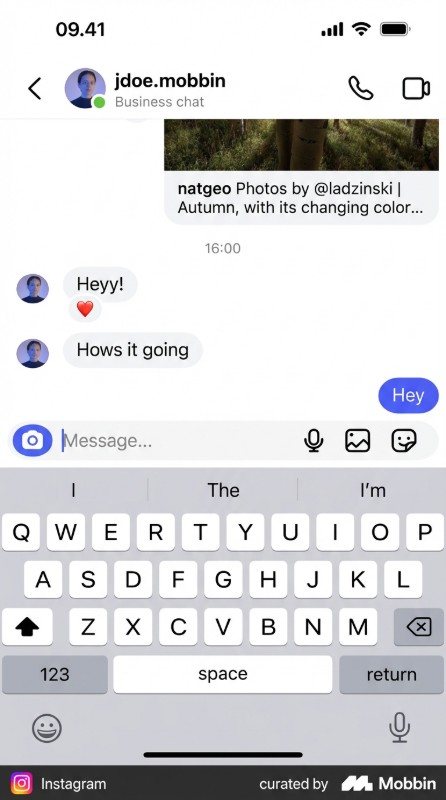
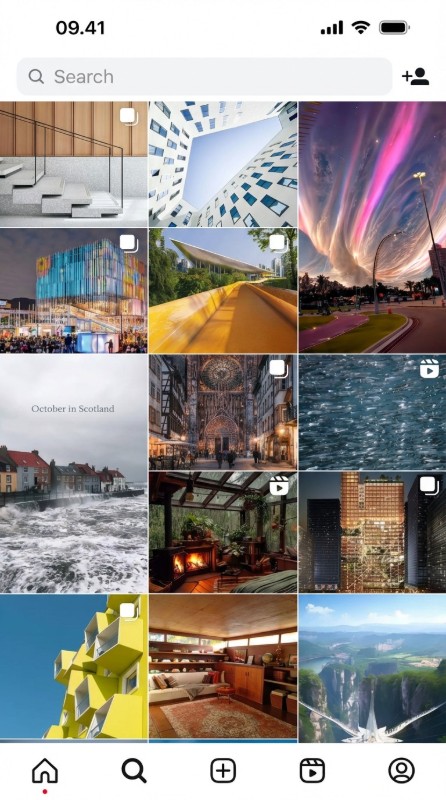
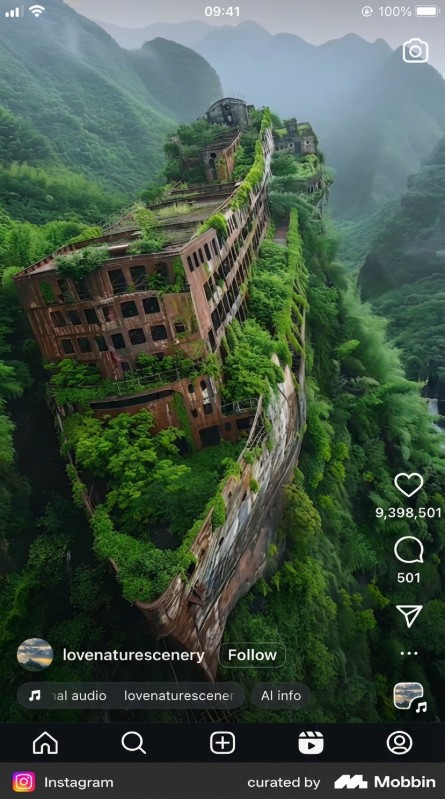
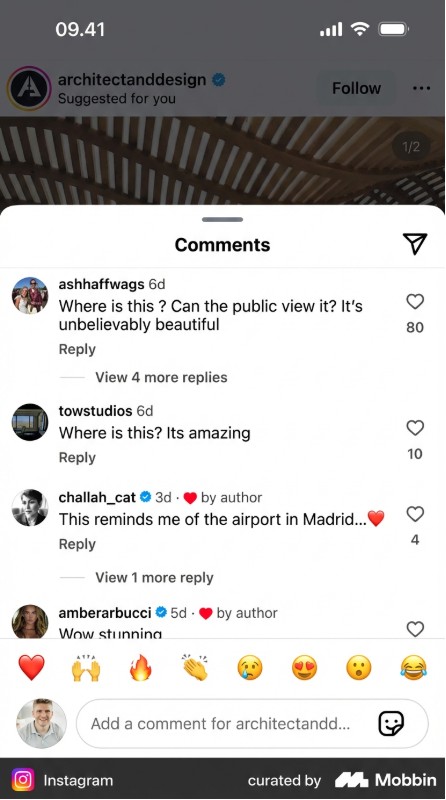
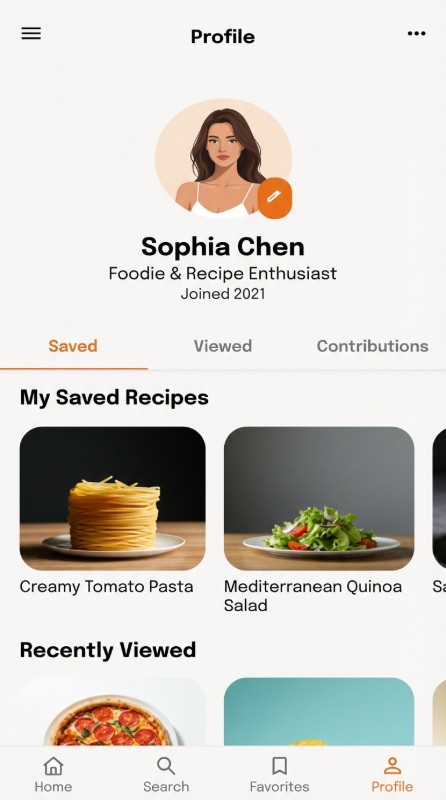
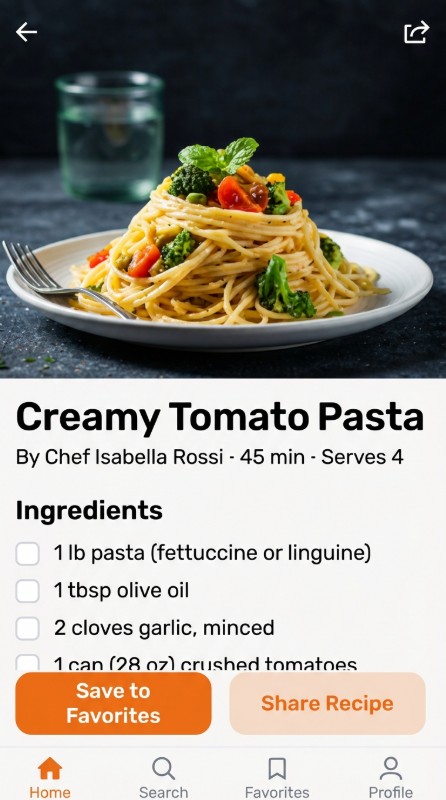
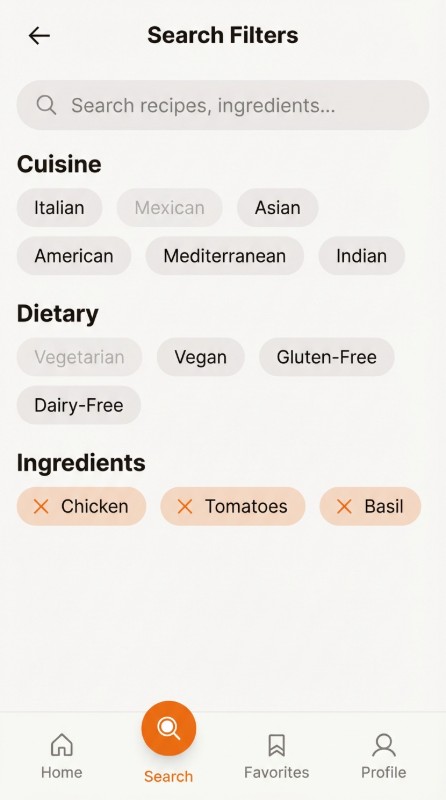
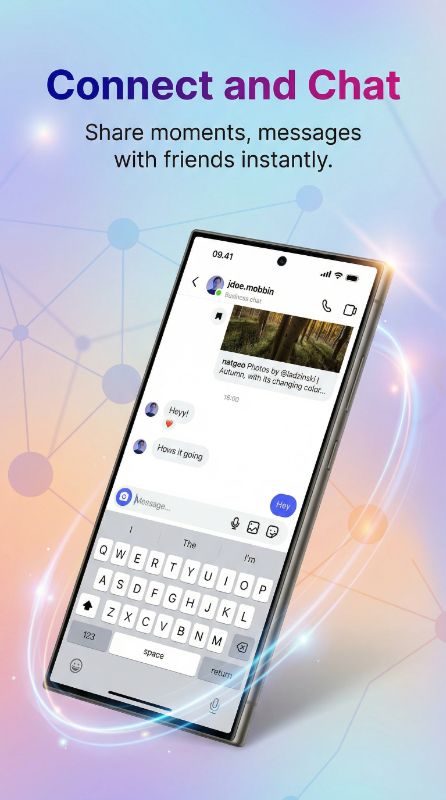
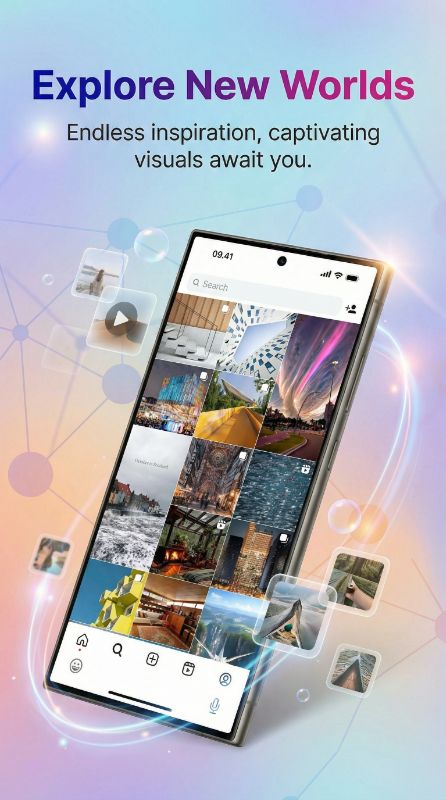
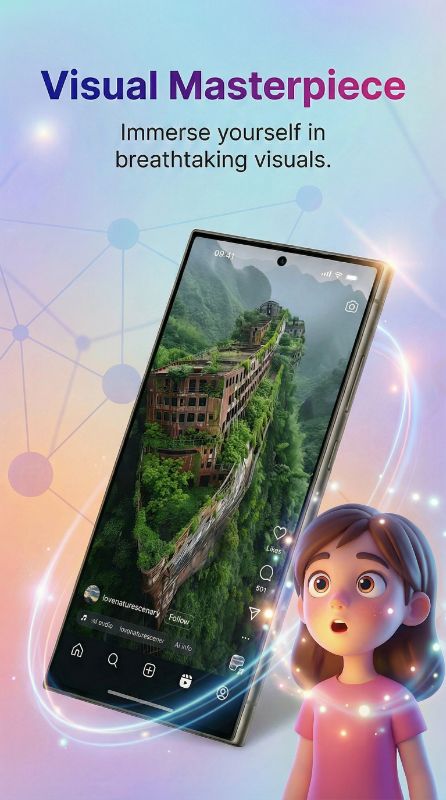
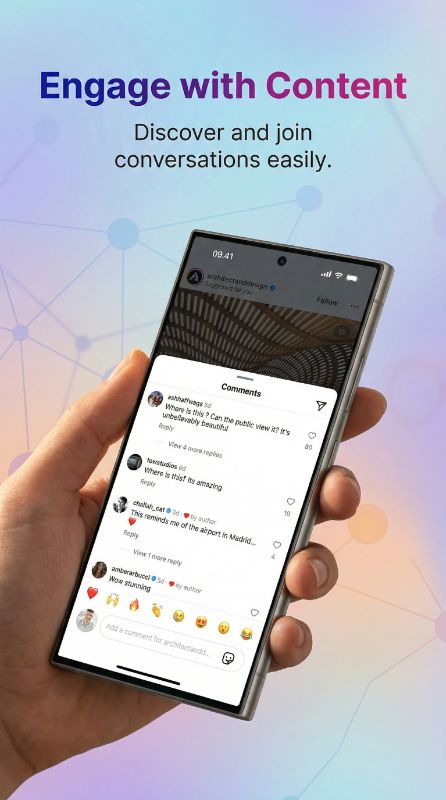
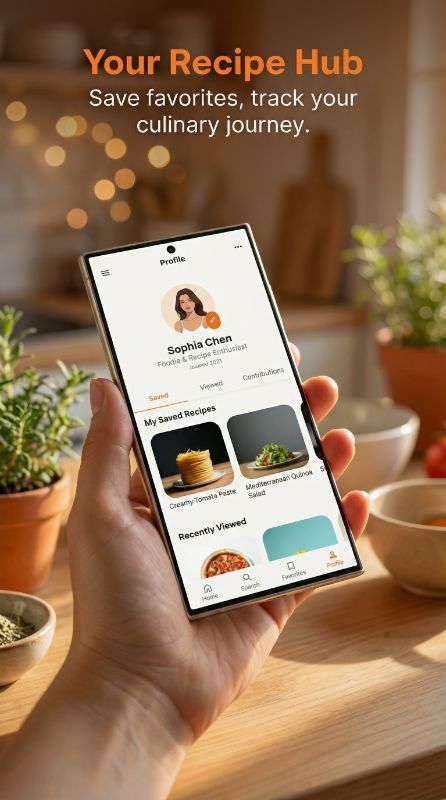
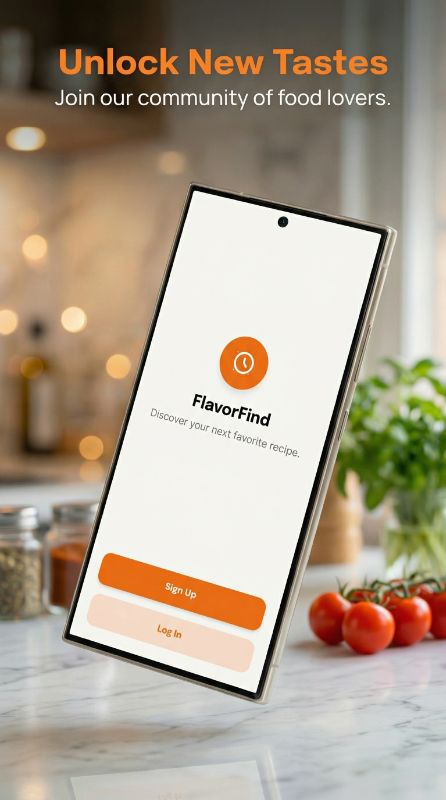
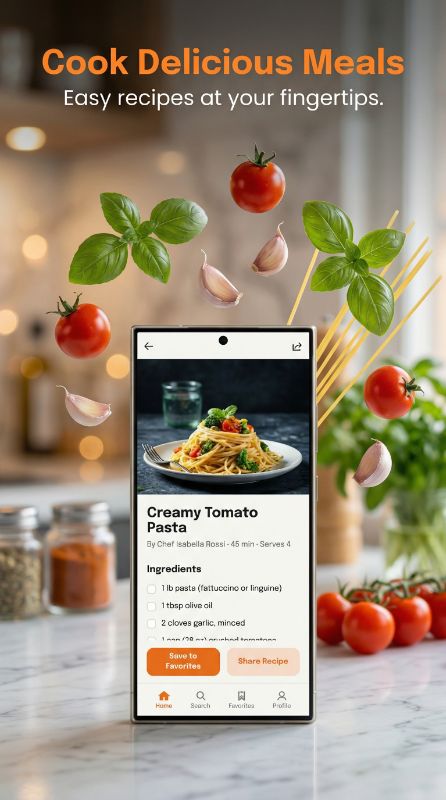
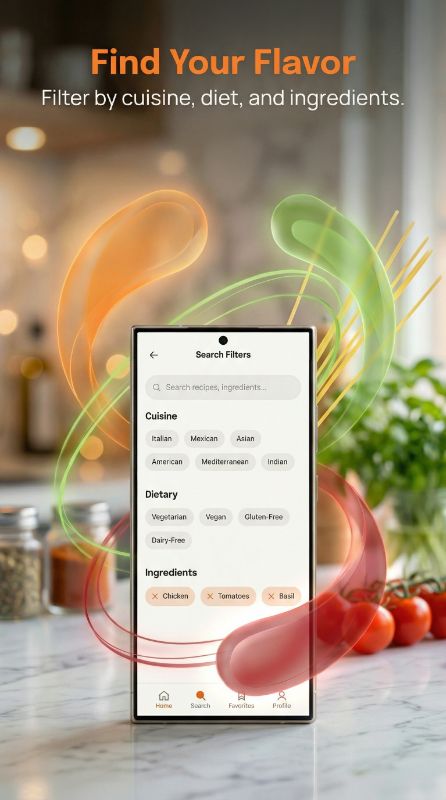
How to Design Education App Screenshots That Convert
Show the transformation from "I cannot" to "I can." Strong edtech listings open with a clear benefit ("Speak a new language in 3 months") plus a friendly visual, then demonstrate the learning loop: bite-sized lessons, instant feedback, and visible progress like streaks or mastery bars. Gamification proof (streaks, XP, levels) reassures users the app will keep them motivated. Keep each screen focused on one benefit and use approachable, encouraging language rather than academic jargon.
What Top Education Apps Do in Their Screenshots
Top education apps sell gamified progress and bite-sized ease over academic depth, using mascots, streaks, and visible mastery to promise motivation.
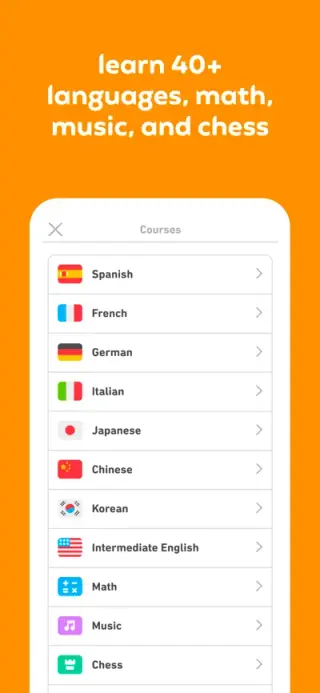
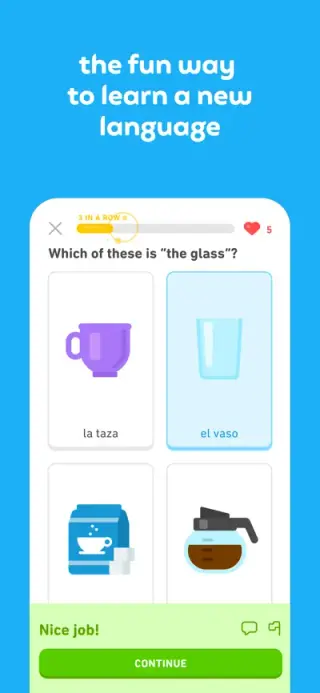
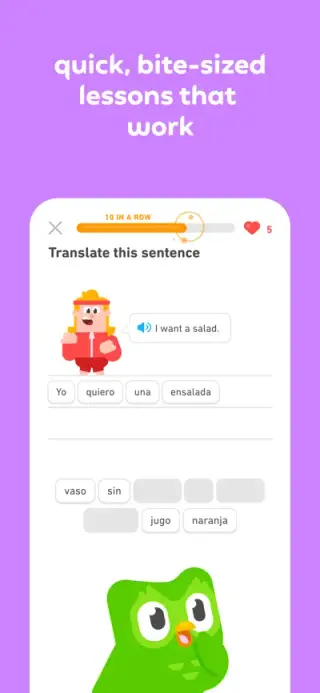
Centers its mascot, streak counter, and single gamified learning path so screenshots promise habit-forming fun, not a curriculum.
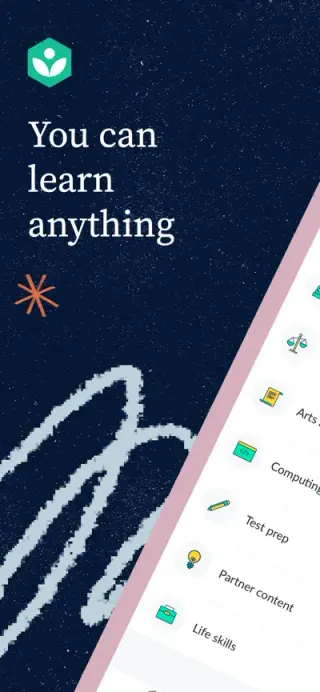
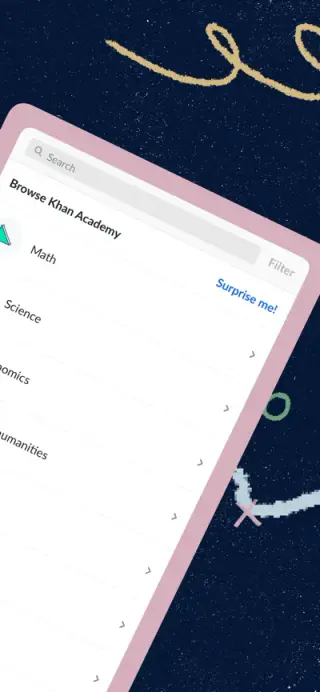
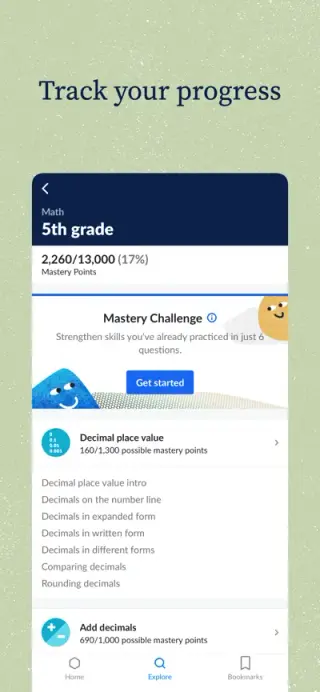
Leads with breadth of free subjects and trusted, nonprofit credibility.
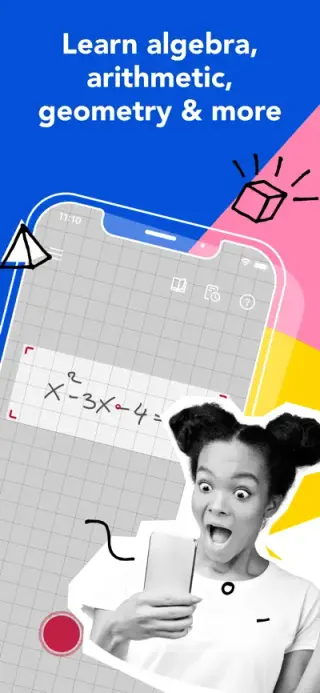
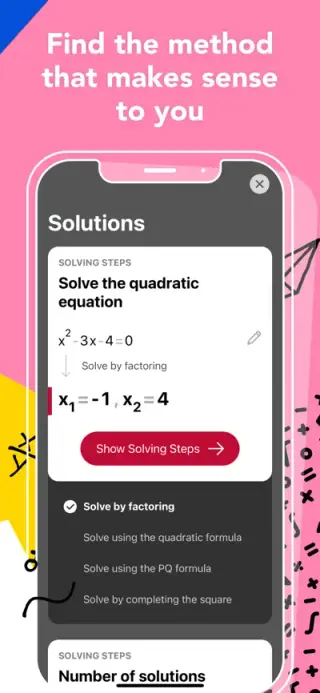
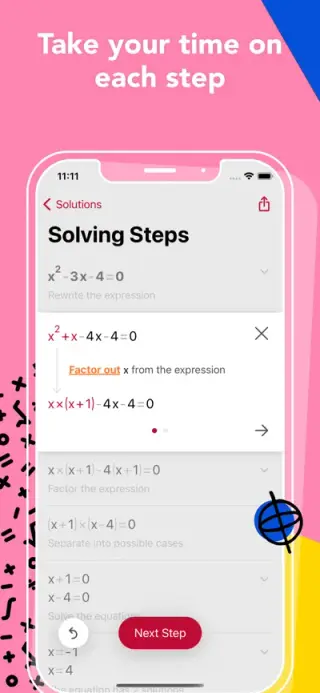
Shows the instant "scan and solve" outcome literally, proving the core benefit in one frame.
Want screenshots like these for your education app?
You don't need a designer to match this quality. Paste any App Store link into AppMockup and our AI recreates that polished style — device frames, backgrounds, and marketing copy — for your own screenshots in minutes.
Screenshots shown are from each app's public App Store listing and remain © their respective owners, displayed here for educational analysis.
Device-framed
Learners want to see how lessons actually work before committing time. Device-framed screens on friendly backgrounds show the real interface and progress system, which builds confidence the app delivers.
Palette that fits education
Friendly, approachable palettes — warm blues, greens, and cheerful yellows — feel encouraging and low-pressure. Avoid stark, formal tones that make learning feel like a test.
Why Education Teams Use AppMockup
Everything you need to ship a high-converting education store listing — without a designer.
Ready in 2 minutes
Turn raw education app screens into polished store assets in minutes, not hours of design work.
Store-compliant sizes
Exports the exact App Store and Play Store dimensions automatically, so your listing never gets rejected for size.
AI titles & backgrounds
AI writes education-appropriate headlines and generates on-brand backgrounds tailored to your screens.
Headline Angles That Work for Education Apps
- 1Outcome: "Speak Spanish in 3 months"
- 2Ease: "Just 5 minutes a day"
- 3Motivation: "Learning that feels like a game"
- 4Proof: "Trusted by 10M learners"
Education Apps to Study for Inspiration
Top education apps that set the bar for App Store and Play Store screenshots.
Loved by App Developers
See what makers say about creating screenshots with AppMockup
“Saved me an entire weekend. I used to spend 5-6 hours in Figma for each app update. Now it takes me literally 10 minutes for all screenshots.”
“The AI titles are surprisingly good. I tweaked maybe 2 out of 8 — the rest went straight to App Store Connect as-is.”
“Finally something that actually works for Play Store. Most tools only care about iOS. The Pixel and Samsung frames look legit.”
“I was skeptical about AI doing design work but honestly the output is better than what half my clients were paying me to do manually lol”
“We launched 3 apps last quarter. AppMockup handled all the screenshots. My cofounder thought I hired a designer.”
“The style matching feature is insane. I pointed it at a competitor's listing and got screenshots that matched their vibe perfectly but for my app.”
“Went from 0 design skills to having screenshots that look like a funded startup made them. The 3 free credits sold me immediately.”
“Match Style is my favourite feature. I grabbed a top competitor's screenshot style, added our own twist to it, and our conversion rate jumped 22%. Absolute game changer.”
“I build for both platforms and this is the only tool that handles iOS AND Android properly in one place. Huge time saver.”
“Bought the 100 credit pack. Already used 60 of them across 4 different apps. Best money I've spent on marketing tools this year.”
“I recommend this to all my developer clients who can't afford a designer. The quality is genuinely impressive for an automated tool.”
“The iPad conversion feature alone is worth it. I had iPhone screenshots done and it converted them to iPad in like 2 minutes. Perfect.”
“Made screenshots for my puzzle game and they actually captured the feel of the gameplay. The AI understood what my app was about.”
“Saved me an entire weekend. I used to spend 5-6 hours in Figma for each app update. Now it takes me literally 10 minutes for all screenshots.”
“The AI titles are surprisingly good. I tweaked maybe 2 out of 8 — the rest went straight to App Store Connect as-is.”
“Finally something that actually works for Play Store. Most tools only care about iOS. The Pixel and Samsung frames look legit.”
“I was skeptical about AI doing design work but honestly the output is better than what half my clients were paying me to do manually lol”
“We launched 3 apps last quarter. AppMockup handled all the screenshots. My cofounder thought I hired a designer.”
“The style matching feature is insane. I pointed it at a competitor's listing and got screenshots that matched their vibe perfectly but for my app.”
“Went from 0 design skills to having screenshots that look like a funded startup made them. The 3 free credits sold me immediately.”
“Match Style is my favourite feature. I grabbed a top competitor's screenshot style, added our own twist to it, and our conversion rate jumped 22%. Absolute game changer.”
“I build for both platforms and this is the only tool that handles iOS AND Android properly in one place. Huge time saver.”
“Bought the 100 credit pack. Already used 60 of them across 4 different apps. Best money I've spent on marketing tools this year.”
“I recommend this to all my developer clients who can't afford a designer. The quality is genuinely impressive for an automated tool.”
“The iPad conversion feature alone is worth it. I had iPhone screenshots done and it converted them to iPad in like 2 minutes. Perfect.”
“Made screenshots for my puzzle game and they actually captured the feel of the gameplay. The AI understood what my app was about.”
“I've tried AppLaunchpad and Screenshots Pro before. This is faster, cheaper, and the results are honestly better. Not even close.”
“We used to outsource screenshots for $400 per set. Now our junior dev handles it in 15 minutes. The ROI is ridiculous.”
“Clean output, no weird artifacts, titles that actually make sense. I was ready for it to be gimmicky but it's legit.”
“The backgrounds it generates are really tasteful. Not the generic gradients you see everywhere — actually thoughtful color choices.”
“Shipped my side project last week. Screenshots took 8 minutes total. My App Store listing looks like it was done by a pro agency.”
“I now include AppMockup in my ASO toolkit for all clients. It's become part of my standard workflow for new app launches.”
“The iPhone 16 Pro Max frames look pixel-perfect. Apple would approve these without a second glance. Really well done.”
“I was spending more time on screenshots than on actual coding. This gave me my evenings back. Not exaggerating.”
“Google Play feature graphic + all screenshots done in one sitting. First time I've actually enjoyed the publishing process.”
“We used Match Style on the top 3 apps in our category, picked the best elements from each, and made it our own. Downloads went up 18% that week. Felt like cheating honestly.”
“Launched on Product Hunt with AI-generated screenshots. People kept asking who designed them. That says everything.”
“The fact that it writes the marketing text FOR you is the real killer feature. I'm terrible at copywriting and the AI nails it every time.”
“I've tried AppLaunchpad and Screenshots Pro before. This is faster, cheaper, and the results are honestly better. Not even close.”
“We used to outsource screenshots for $400 per set. Now our junior dev handles it in 15 minutes. The ROI is ridiculous.”
“Clean output, no weird artifacts, titles that actually make sense. I was ready for it to be gimmicky but it's legit.”
“The backgrounds it generates are really tasteful. Not the generic gradients you see everywhere — actually thoughtful color choices.”
“Shipped my side project last week. Screenshots took 8 minutes total. My App Store listing looks like it was done by a pro agency.”
“I now include AppMockup in my ASO toolkit for all clients. It's become part of my standard workflow for new app launches.”
“The iPhone 16 Pro Max frames look pixel-perfect. Apple would approve these without a second glance. Really well done.”
“I was spending more time on screenshots than on actual coding. This gave me my evenings back. Not exaggerating.”
“Google Play feature graphic + all screenshots done in one sitting. First time I've actually enjoyed the publishing process.”
“We used Match Style on the top 3 apps in our category, picked the best elements from each, and made it our own. Downloads went up 18% that week. Felt like cheating honestly.”
“Launched on Product Hunt with AI-generated screenshots. People kept asking who designed them. That says everything.”
“The fact that it writes the marketing text FOR you is the real killer feature. I'm terrible at copywriting and the AI nails it every time.”
Education App Screenshot FAQ
What should an education app screenshot highlight?
The outcome and the path to it — a clear benefit headline plus the learning loop (bite-sized lessons, instant feedback, visible progress). Gamification proof like streaks and XP reassures users they will stay motivated.
How many screenshots for an education app?
Use 5–7: a benefit hook, the lesson experience, the feedback/progress system, social proof, and a gamification or rewards screen. Keep one benefit per screenshot.
What tone should education app screenshots use?
Encouraging and approachable, not academic. Friendly colors and plain language make learning feel achievable rather than like a test.
How does AppMockup generate app screenshots?
Upload your raw app screenshot and our AI adds the right device frame, a professional background, and marketing copy, then exports a store-ready image. Most mockups are done in under two minutes — no design skills or Figma needed.
Is AppMockup free to use?
Yes. New users get 3 free credits with no credit card and no watermark. After that, credits start at $9 for 25 and never expire.
What sizes does it export for the App Store and Play Store?
AppMockup outputs the correct dimensions automatically — the 6.9" iPhone size (1290×2796 or 1320×2868) and 13" iPad (2048×2732) for the App Store, and 9:16 portrait for Google Play. You never have to look up specs.
Can I edit a screenshot after it is generated?
Yes. You can swap the device frame and download for free. AI-powered changes such as new titles, subtitles, or backgrounds cost 1 credit each because the image is fully regenerated.
Does it support iPhone, iPad and Android devices?
Yes. AppMockup supports the latest iPhone and iPad frames plus Android devices like Samsung Galaxy and Google Pixel, and it can convert iPhone mockups to iPad in one click.
Can I match another app’s screenshot style?
Yes. Paste any App Store or Play Store link and the AI fetches that app’s screenshots, analyzes the colors and layout, and applies the same style to yours.
Start with your platform
Related app categories
Generate for specific devices
Create Education App Screenshots in Minutes
Upload your raw screenshots and let AI generate store-ready education marketing assets — no design skills needed.